
 New
NewNew Features in LendingWise
Major modules, integrations and enhancements we've shipped, newest first, with the month each one was released.
Spotlight
Flagship Releases
- New
 New
NewFund Management
Read More about Fund Management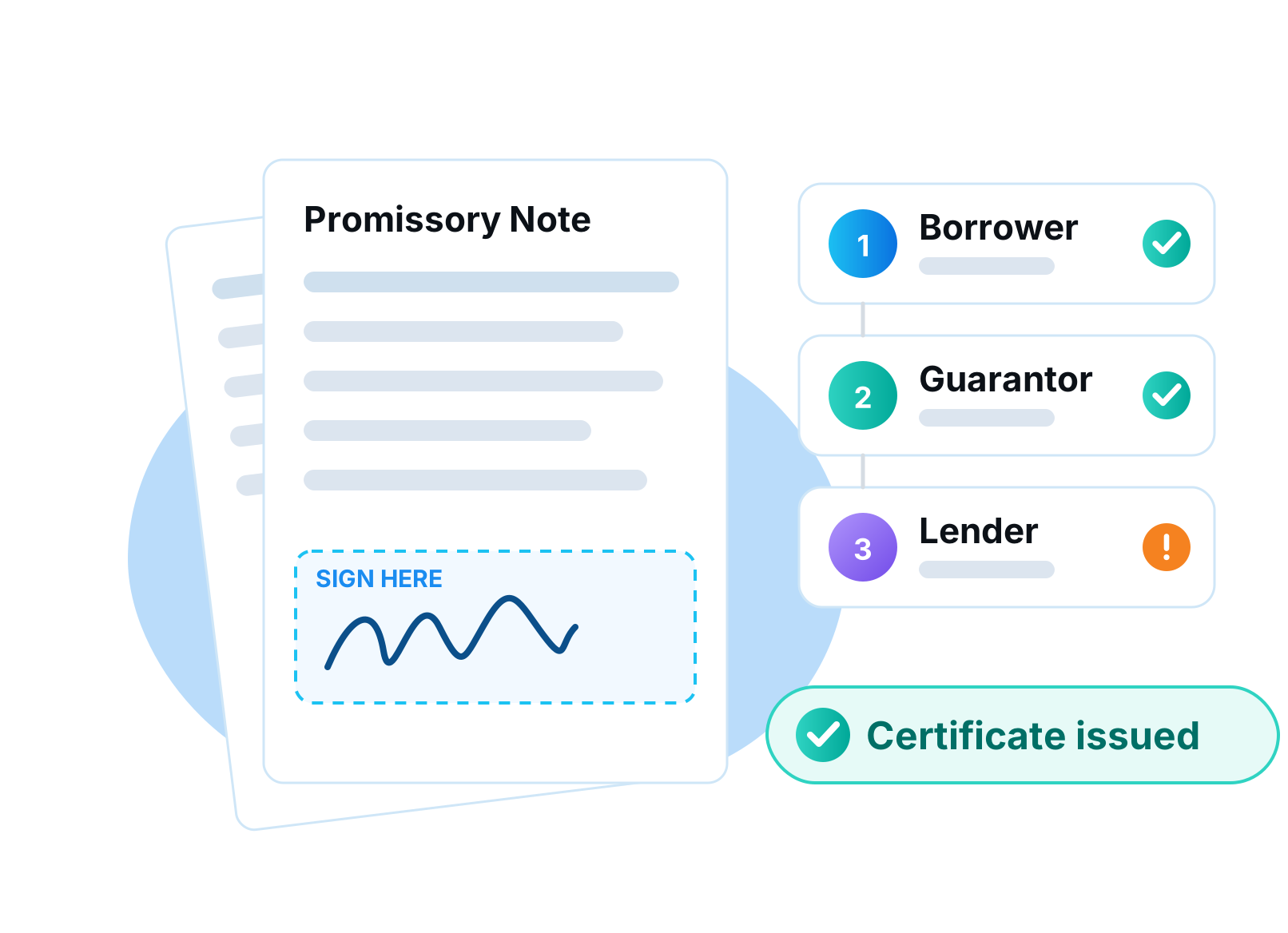 New
NewE-Sign V2
Read More about E-Sign V2
All New Features
Showing 32 of 32 features
Looking for every fix and small change? View release notes
 New
NewRedesigned Loan File
Read More about Redesigned Loan FileProductivity
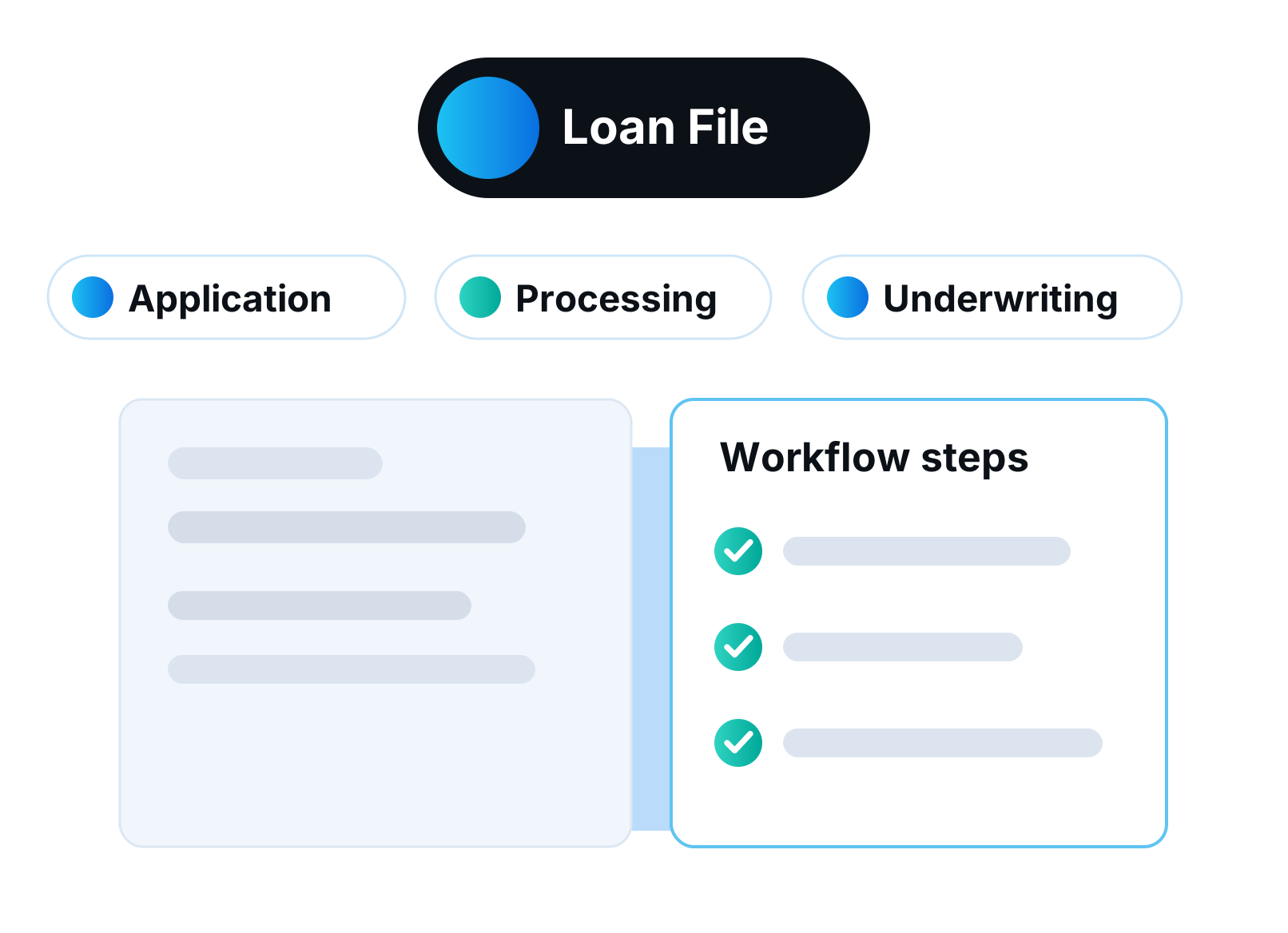
The loan file has a new look built for speed. A side menu, a header with the key loan facts, and a panel of widgets for contacts, credit and activity. Less clicking around and more closing loans.
The facts you check most often are always on screen, whichever tab you are on. Choose which widgets appear in the side panel.
What you get
- Side menu navigation
- Key loan facts in the header
- Widget panel for contacts, credit and activity
- Choose your widgets
 New
NewIntegration Hub
Read More about Integration HubIntegrations
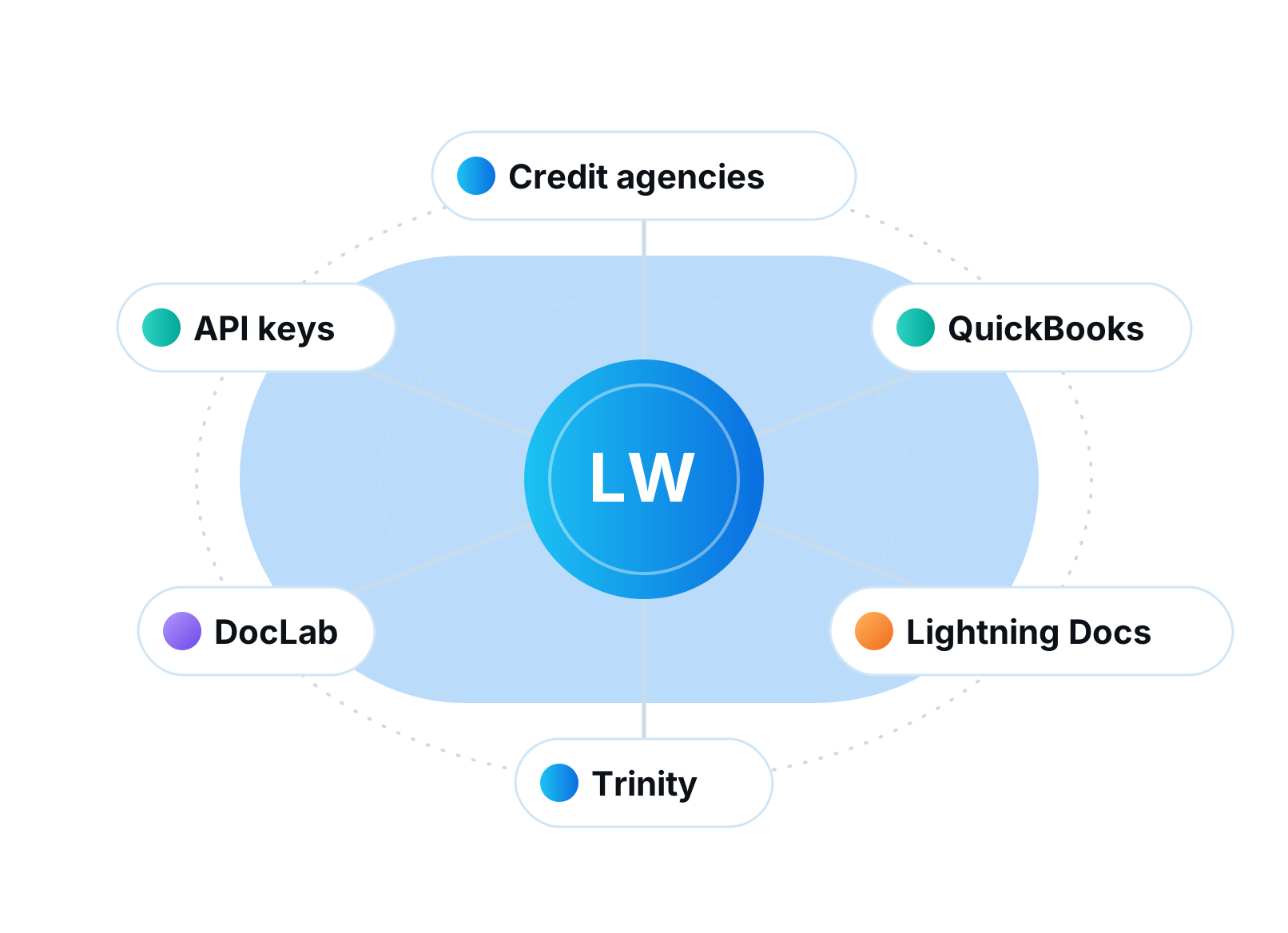
All your integrations now live on one page. Credit agencies, QuickBooks, Lightning Docs, DocLab, Trinity, API keys and loan intake each get their own card. Click Configure and you are set up without a support ticket.
The hub lists more than 30 credit agencies alongside every document, accounting and inspection partner. You can see at a glance what is connected and what is available.
What you get
- One page for every integration
- 30+ credit agencies
- Configure in a pop-up
- API keys and loan intake included
 New
NewAcqualify Credit Screening
Read More about Acqualify Credit ScreeningIntegrationsOrigination
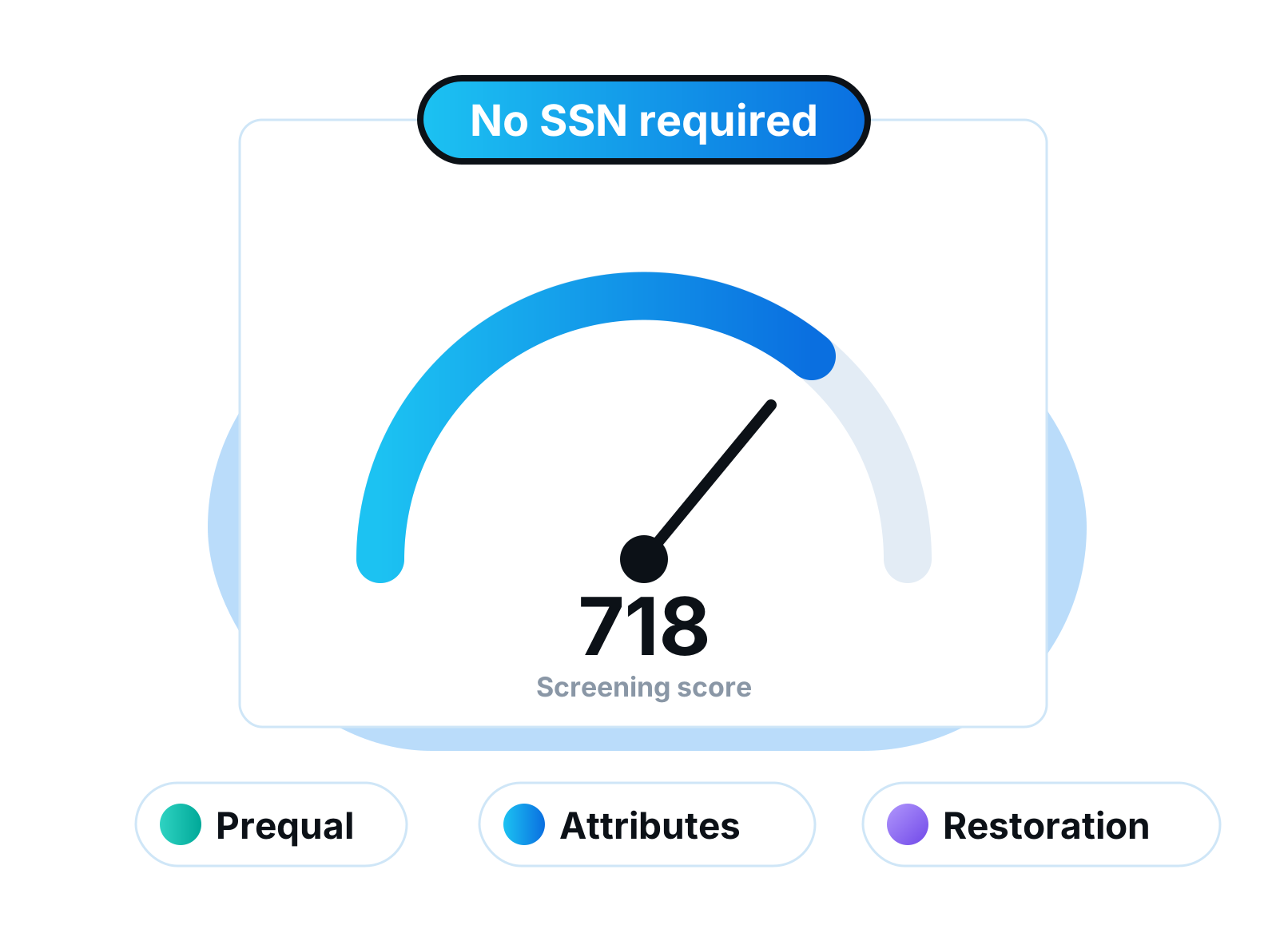
Screen credit with no SSN required. Acqualify returns a score and key credit attributes in seconds for prequalification. Results show in a Credit Screening widget right on the loan file.
Borrowers who are not ready yet can be referred to credit restoration instead of simply declined, which keeps them in your pipeline for later.
What you get
- No SSN needed
- Score and credit attributes
- Credit Screening widget on the loan file
- Credit restoration referrals
 New
NewWhite-Label Custom Domain
Read More about White-Label Custom DomainPortals
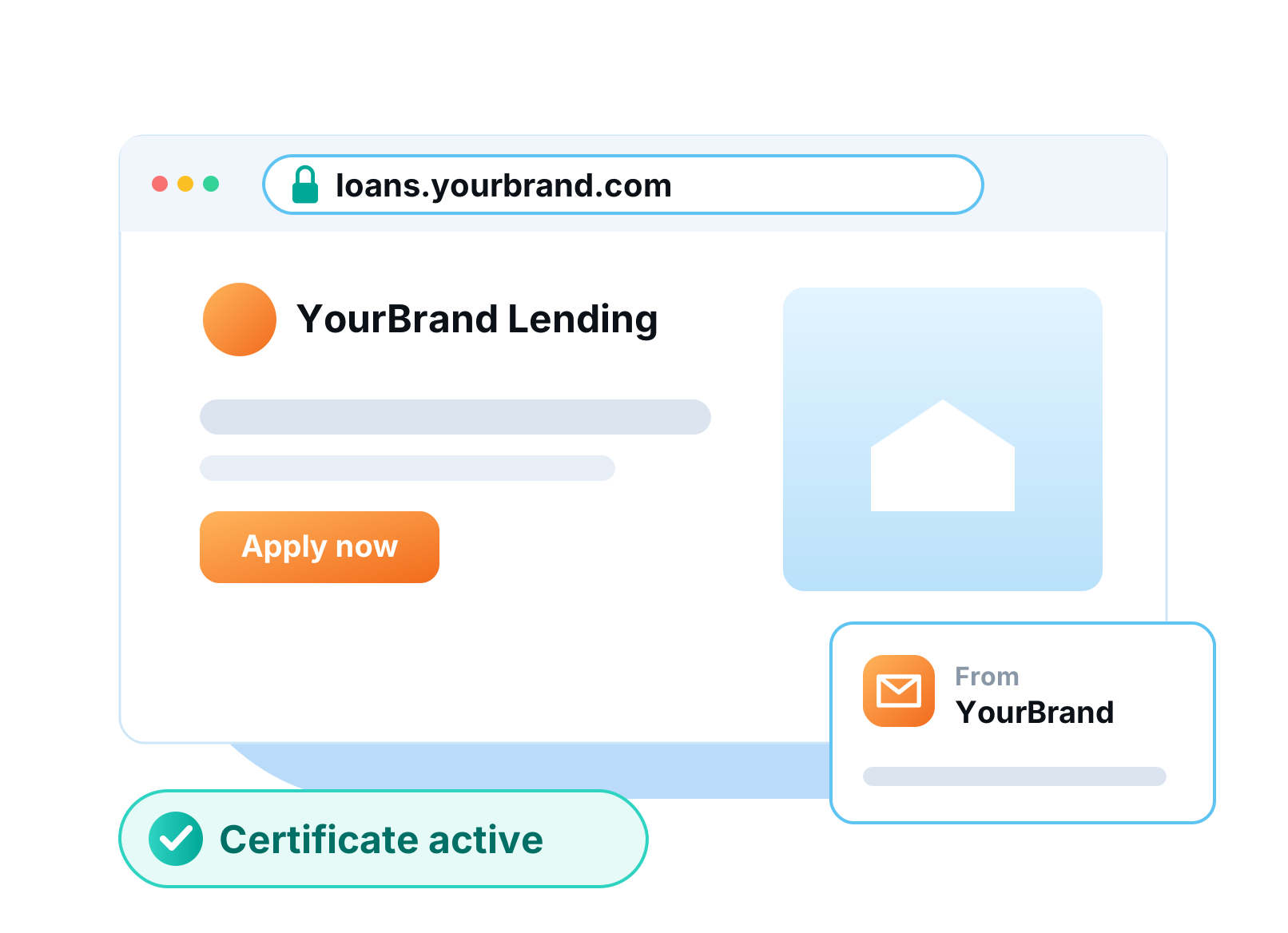
Run LendingWise on your own domain, with the security certificate handled automatically. Borrower links and emails carry your brand instead of ours. Your borrowers never have to know which platform you use.
Point your domain at LendingWise and the certificate is issued and renewed for you. E-sign links, portal invites and emails all use your address.
What you get
- Your own domain
- Automatic security certificate
- Branded links and emails
 New
NewCustom Field Rules & Formulas
Read More about Custom Field Rules & FormulasAutomation
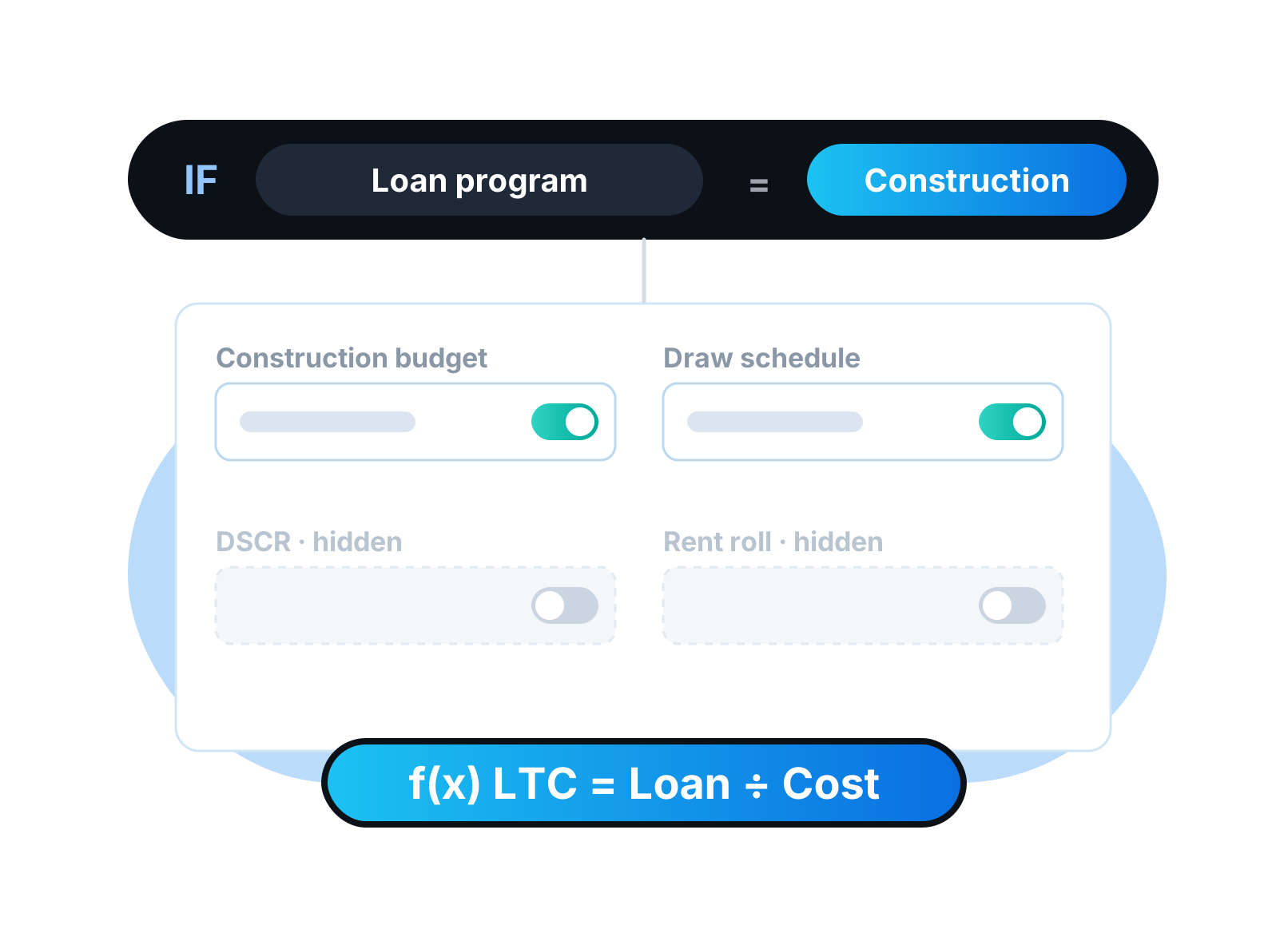
Show fields only on the loans where they apply. Set rules on loan attributes so a construction loan and a DSCR rental each see their own fields. Add formula fields that calculate themselves.
Your loan file stays clean for every program you run, and calculated fields remove a whole class of manual math errors.
What you get
- Show or hide fields by loan attributes
- Works on custom and standard fields
- Formula fields
 New
NewMaster User Guide
Read More about Master User GuideProductivity
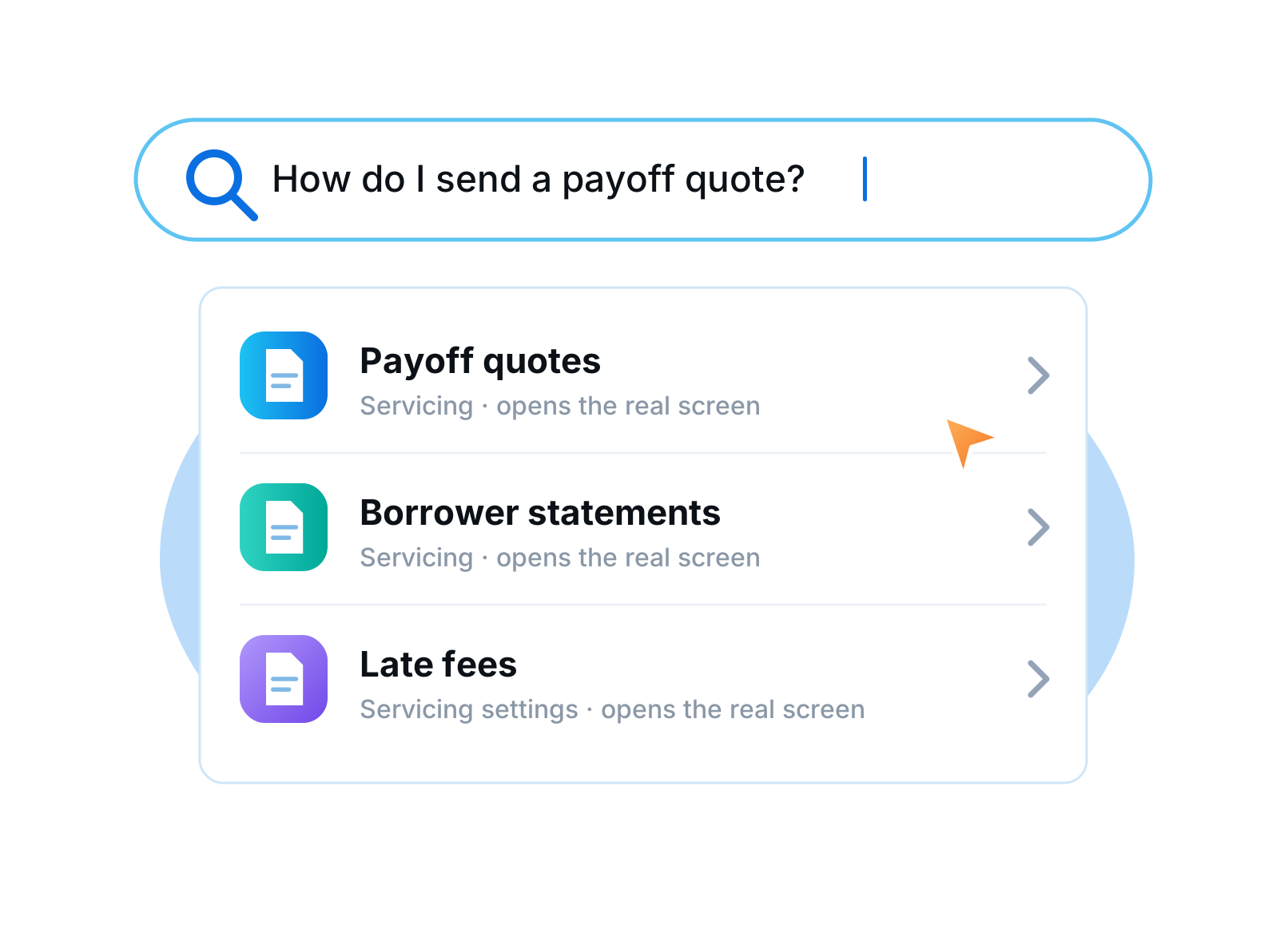
A searchable guide to the whole platform, built right into LendingWise. About 45 sections, each linking to the real screen it describes. Find the answer without opening a ticket.
New team members can learn the platform at their own pace, and every integration has its own page.
What you get
- Searchable, in-app
- About 45 sections
- Deep links to real screens
- A page for every integration
- New
Servicing 3.0
Read More about Servicing 3.0Servicing
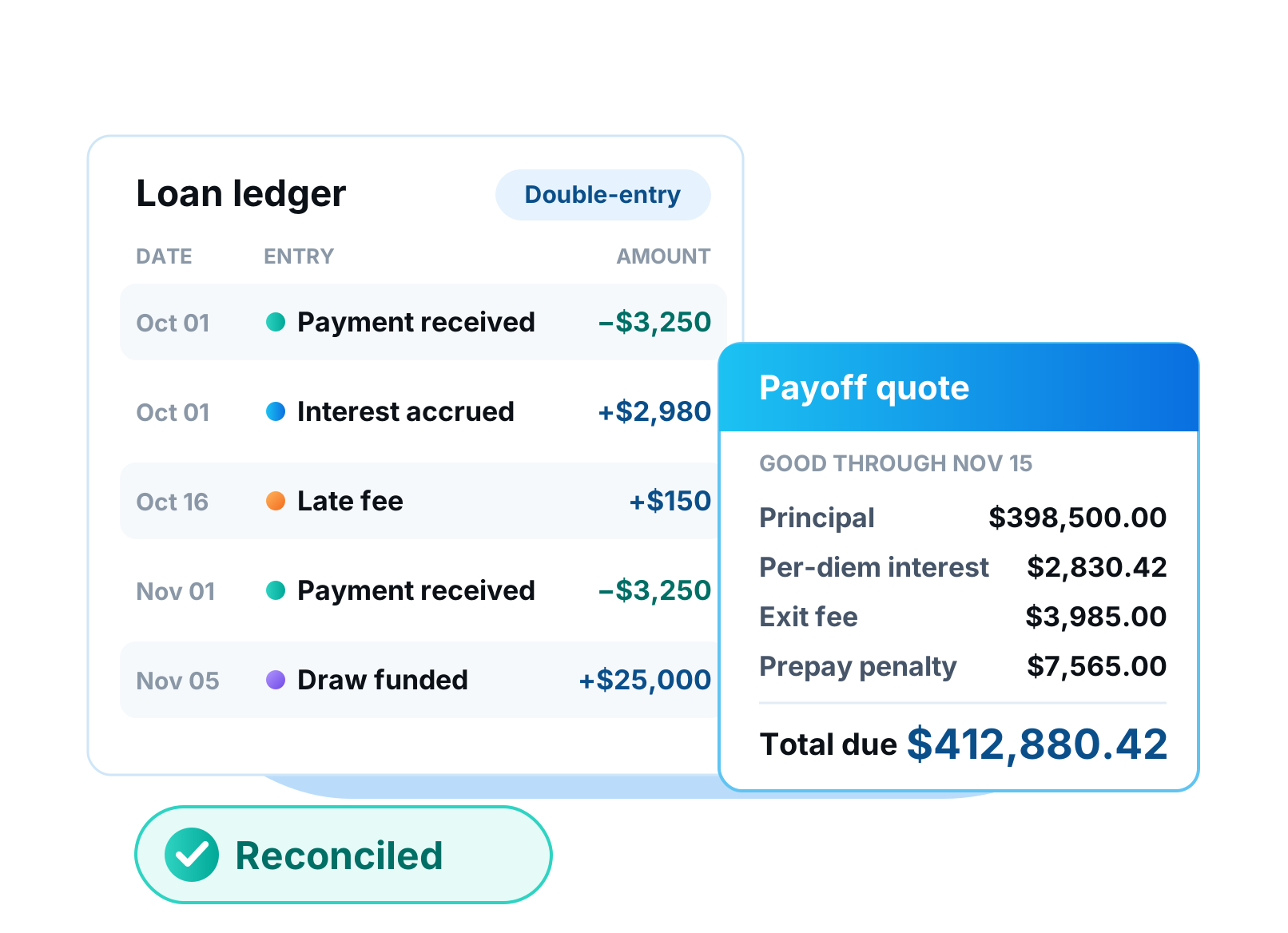
Service your whole portfolio inside LendingWise, from first payment to final payoff. Every payment, fee, draw and payoff is written to a permanent ledger, so balances and amounts due are always calculated and never typed in. Payoff quotes, statements and interest reserves are built in.
Servicing 3.0 replaces spreadsheets and outside servicing software with a ledger that lives on the loan file. Periods, amounts due, late fees and balances all come from that ledger, so the numbers your borrower sees match the numbers your accountant sees. Payoff quotes handle per-diem interest, exit fees and tiered prepayment penalties for you. Mortgage statements generate on schedule, and interest reserves apply themselves.
What you get
- Permanent double-entry ledger on every loan
- Payoff quotes with per-diem, exit fee and tiered prepay
- Mortgage statements on schedule
- Interest reserves applied automatically
- Free for up to 5 loans
 New
NewSoft-Pull Credit on Every Agency
Read More about Soft-Pull Credit on Every AgencyIntegrationsOrigination
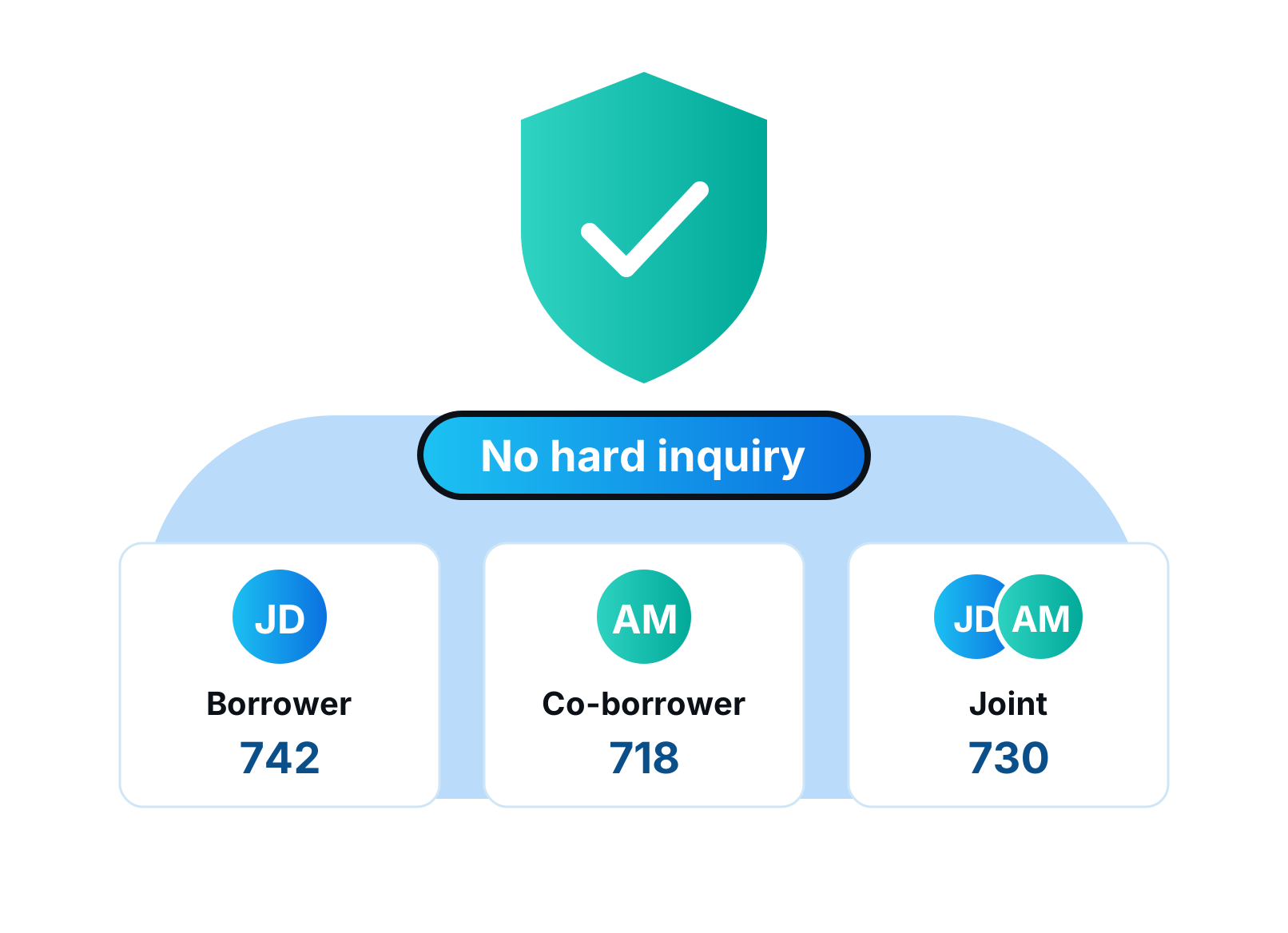
Soft-pull credit is now on for every agency that supports it, including MeridianLink agencies and Xactus. Pull borrower, co-borrower or joint reports without a hard inquiry. Prequalify faster without touching anyone's score.
Use soft pulls to screen early, then order the hard pull only when the deal is real. Borrowers appreciate it and your team wastes less time on files that will not close.
What you get
- Borrower, co-borrower and joint soft pulls
- MeridianLink agencies and Xactus
- No hard inquiry
 New
NewSelf-Serve API Keys
Read More about Self-Serve API KeysIntegrations
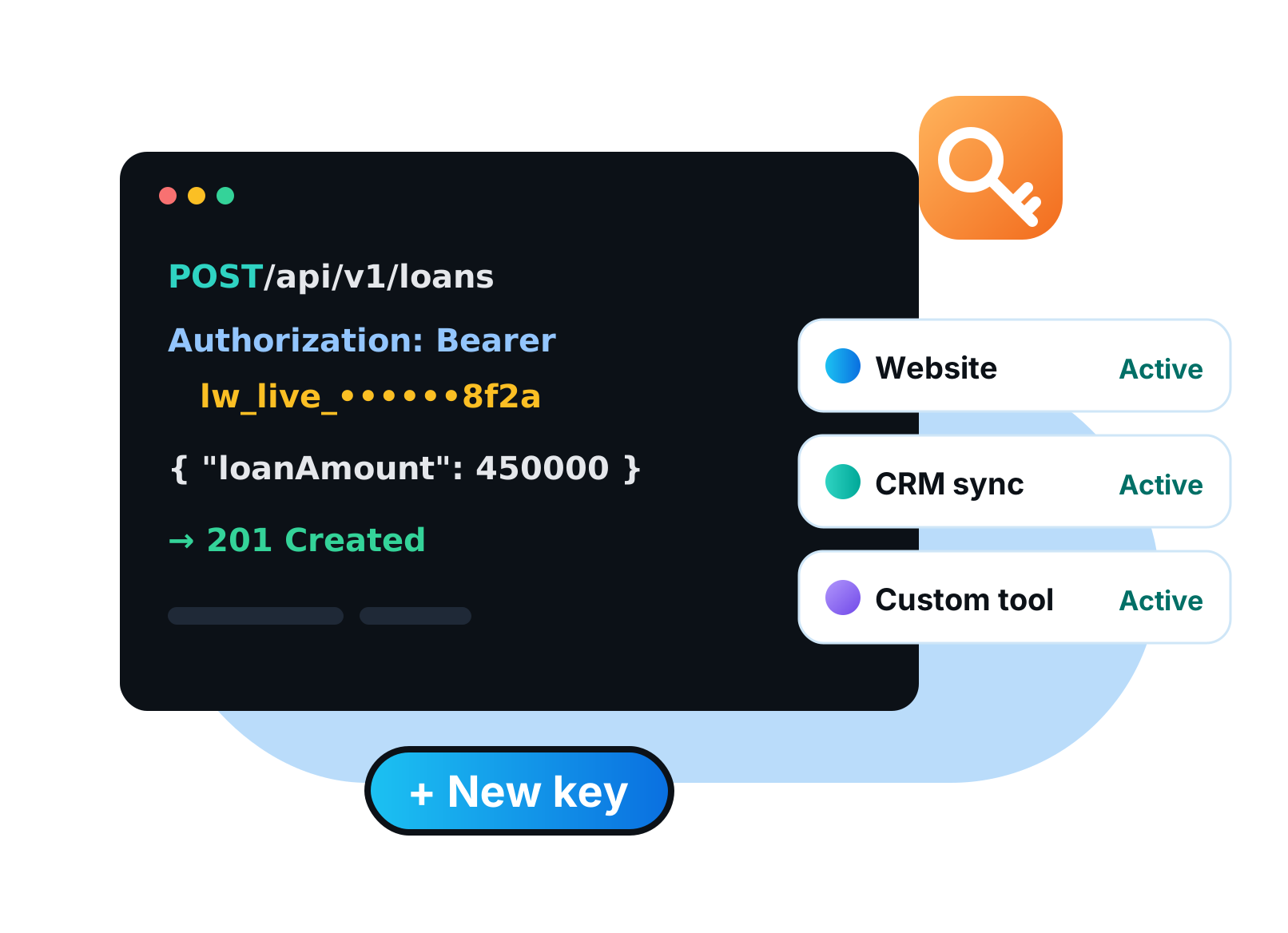
Admins can now create and manage API keys themselves in Company Settings. Connect your website, CRM or custom tools without waiting on LendingWise support. Every key you have issued is listed in one place.
That means faster integrations and tighter control over who has access to your data.
What you get
- Create keys yourself
- Manage every key in one place
- No support ticket needed
- New
Fund Management
Read More about Fund ManagementCapital & Funds
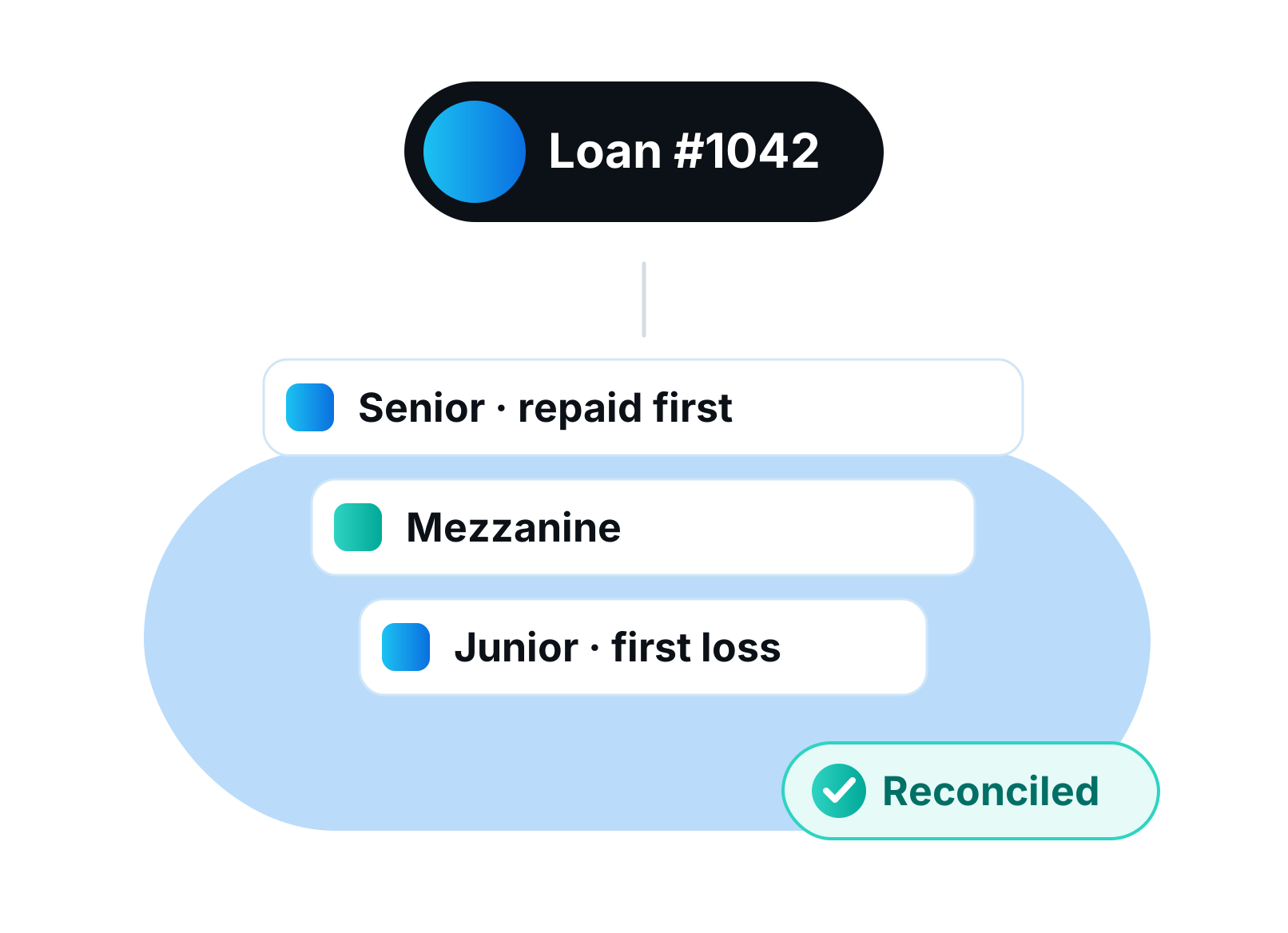
Run your fund on the same platform as your loans. Track investors, commitments, capital calls and exactly which loans each fund owns. NAV, distributions and investor statements come straight from your servicing data.
Fund Management sits on top of Servicing 3.0, so every dollar of interest your loans collect flows into the right fund without a spreadsheet in between. It supports evergreen and closed-end funds, senior and junior positions on the same loan, and unit-based NAV. Distributions cover income, return of capital, preferred-return waterfalls and reinvestment. Redemptions, investor statements and K-1 and 1099 summaries are included.
What you get
- Evergreen and closed-end funds
- Capital calls and commitments
- Loan-to-fund attribution with senior and junior positions
- NAV, units, distributions and redemptions
- Investor statements and tax summaries
 New
NewLoan Actions & Approvals
Read More about Loan Actions & ApprovalsServicing
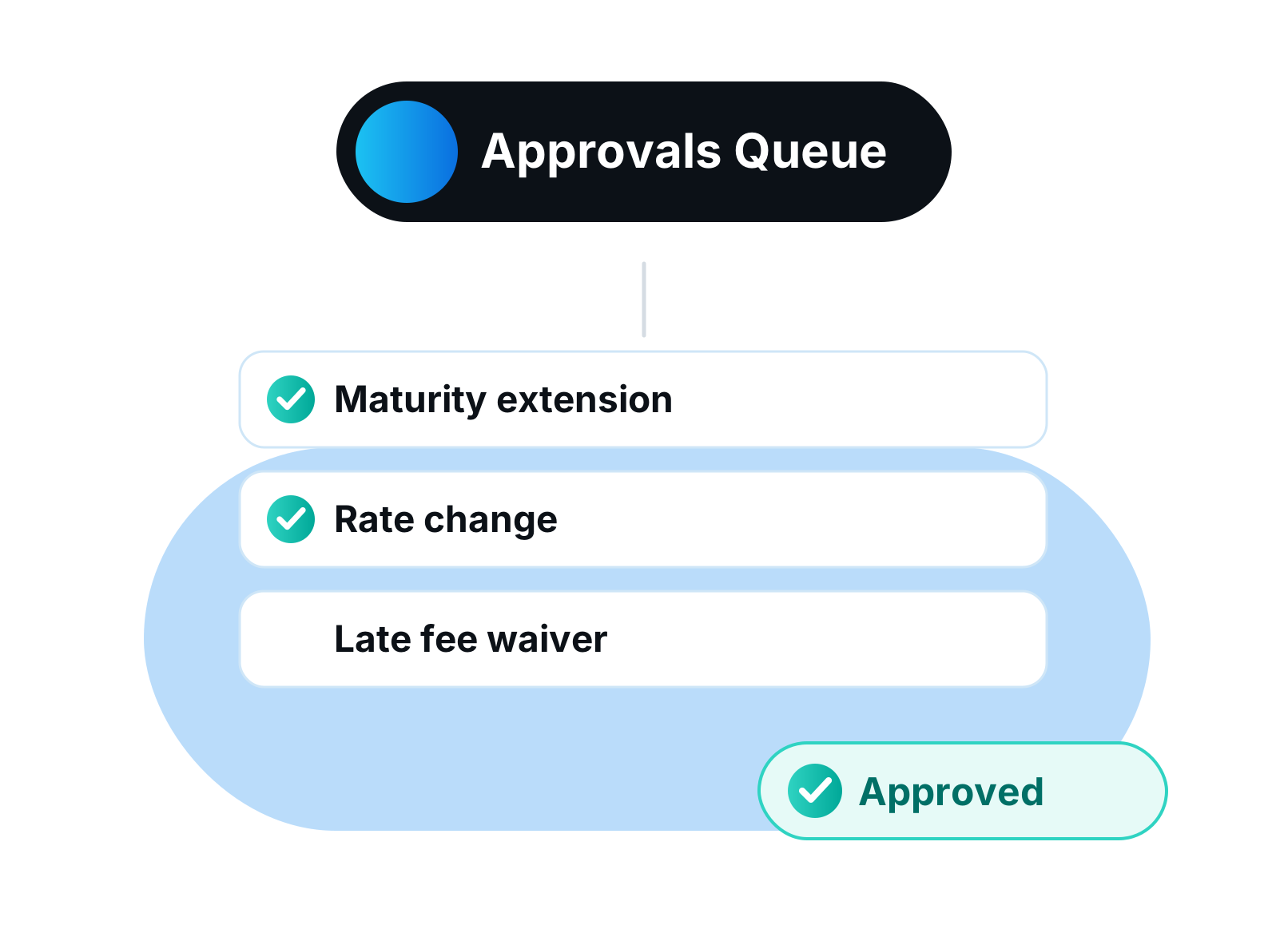
Rate changes, extensions, fee waivers and reinstatements now run through one approval queue. Staff submit the change, an approver signs off, and the ledger updates. Nobody changes a live loan without a second set of eyes.
The queue also covers curing a default, capitalizing arrears and moving a borrower to their preferred payment day. Only users with the Grant Servicing Approvals permission can approve, and every decision is recorded on the loan.
What you get
- Rate changes and extensions
- Cure and reinstatement
- Capitalize arrears and waive fees
- Borrower-preferred payment day
- Dedicated approver permission
 New
NewACH Collections
Read More about ACH CollectionsServicing
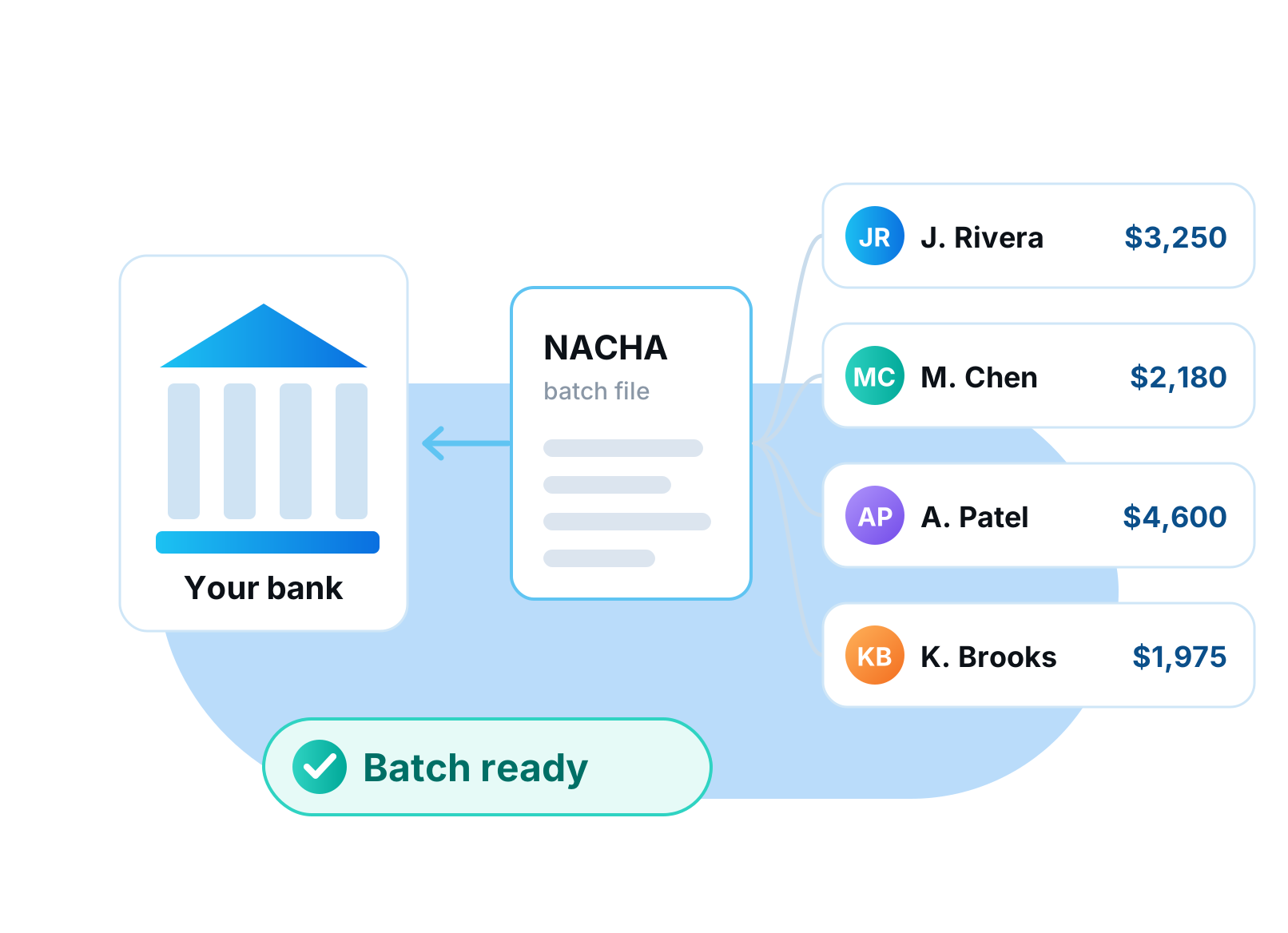
Pull borrower payments by ACH without leaving LendingWise. The Collections page gathers every loan that is due, plus the payment instructions borrowers set up in their portal. One click builds a bank-ready NACHA file.
Upload the file to your bank and the payments are on their way. No more keying account numbers into your bank portal one borrower at a time.
What you get
- Every due loan in one list
- Uses borrower portal payment instructions
- Builds a standard NACHA batch file
 New
NewServicing Notifications
Read More about Servicing NotificationsAutomationServicing
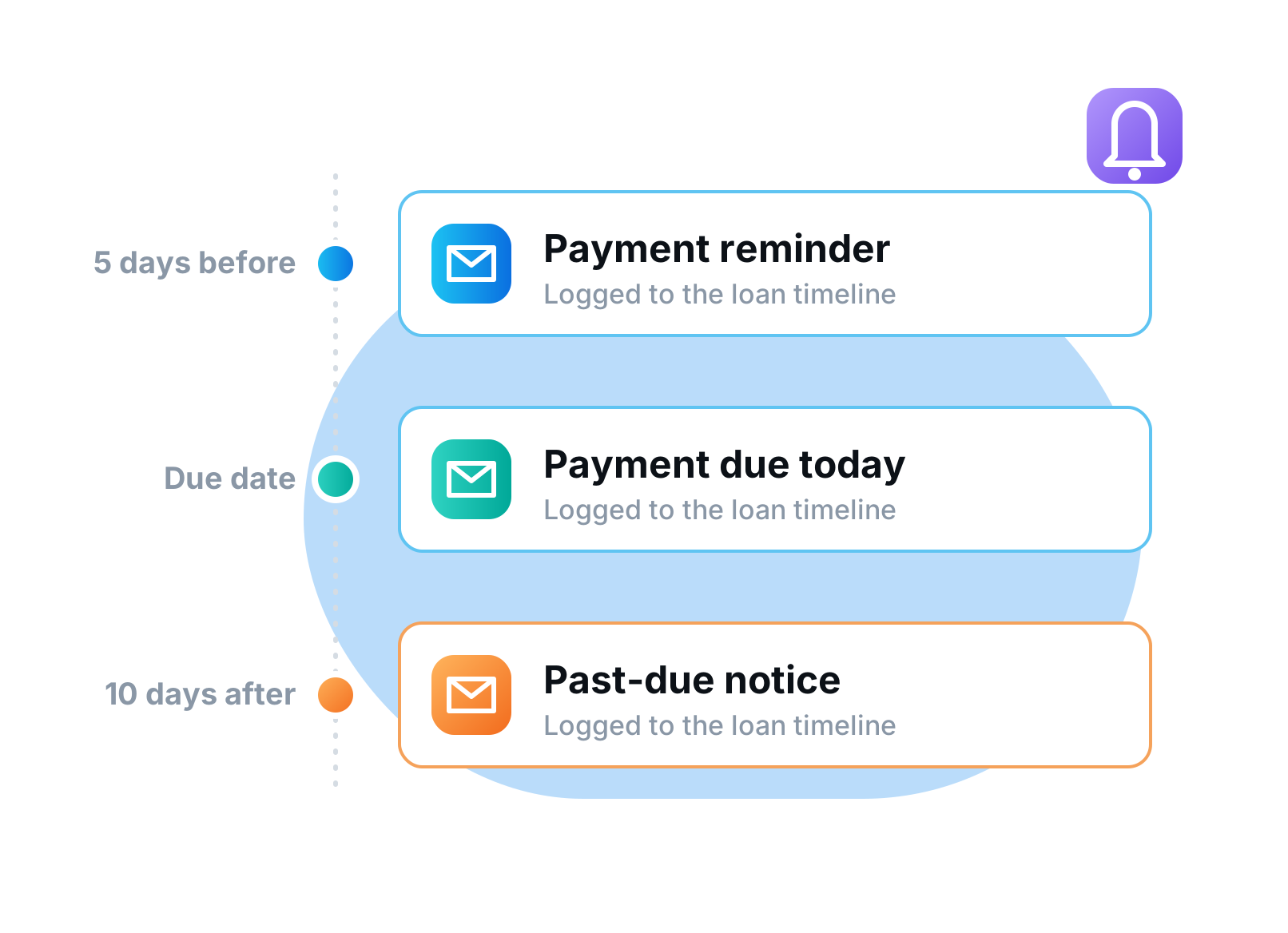
Borrowers get the right notice at the right time without anyone remembering to send it. Payment reminders, past-due notices and other servicing messages fire on the dates and events you choose. Every message is logged to the loan timeline.
Set the timing, recipients and a cooldown for each event so borrowers are informed but never spammed. Templates use merge tags, so each notice carries the loan's real numbers.
What you get
- Date and event triggers
- Per-event timing, recipients and cooldown
- Merge-tag templates
- Logged to the loan timeline
 New
NewServicing Portfolio Reports
Read More about Servicing Portfolio ReportsReportingServicing
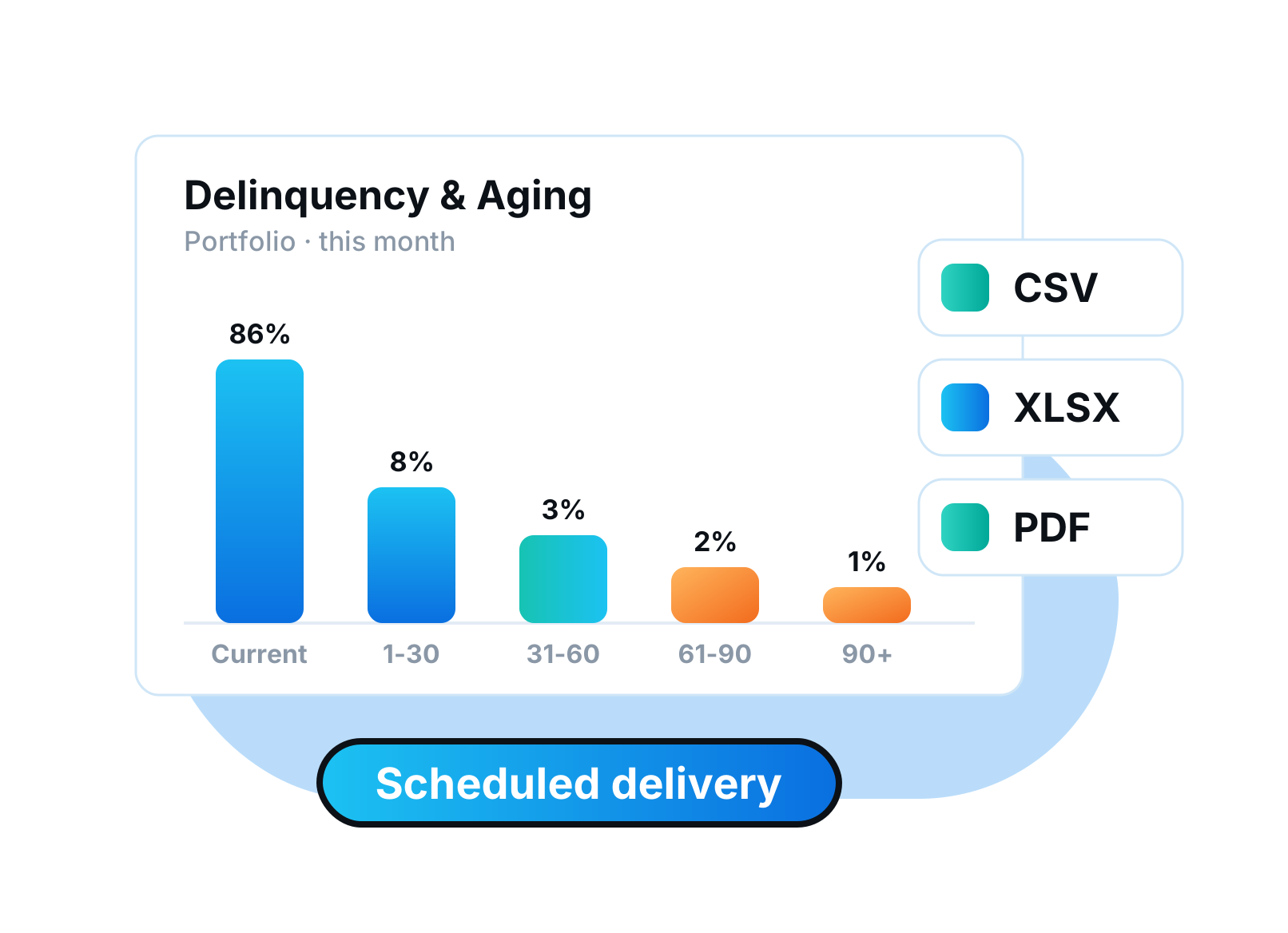
Eight portfolio reports built for private lenders, from portfolio snapshot to delinquency and aging. Export any of them to CSV or Excel in a click. Schedule a report and it lands in your inbox on repeat.
The set covers Portfolio Snapshot, Delinquency and Aging, Maturity, Watch List, Payment Collection, Cash Receipts, Late Fees and Status Roll. Every figure comes from the servicing ledger, so reports always agree with the loan files.
What you get
- 8 reports including delinquency and maturity
- CSV and Excel export
- Scheduled recurring delivery
 New
NewServicing Borrower Portal
Read More about Servicing Borrower PortalPortalsServicing
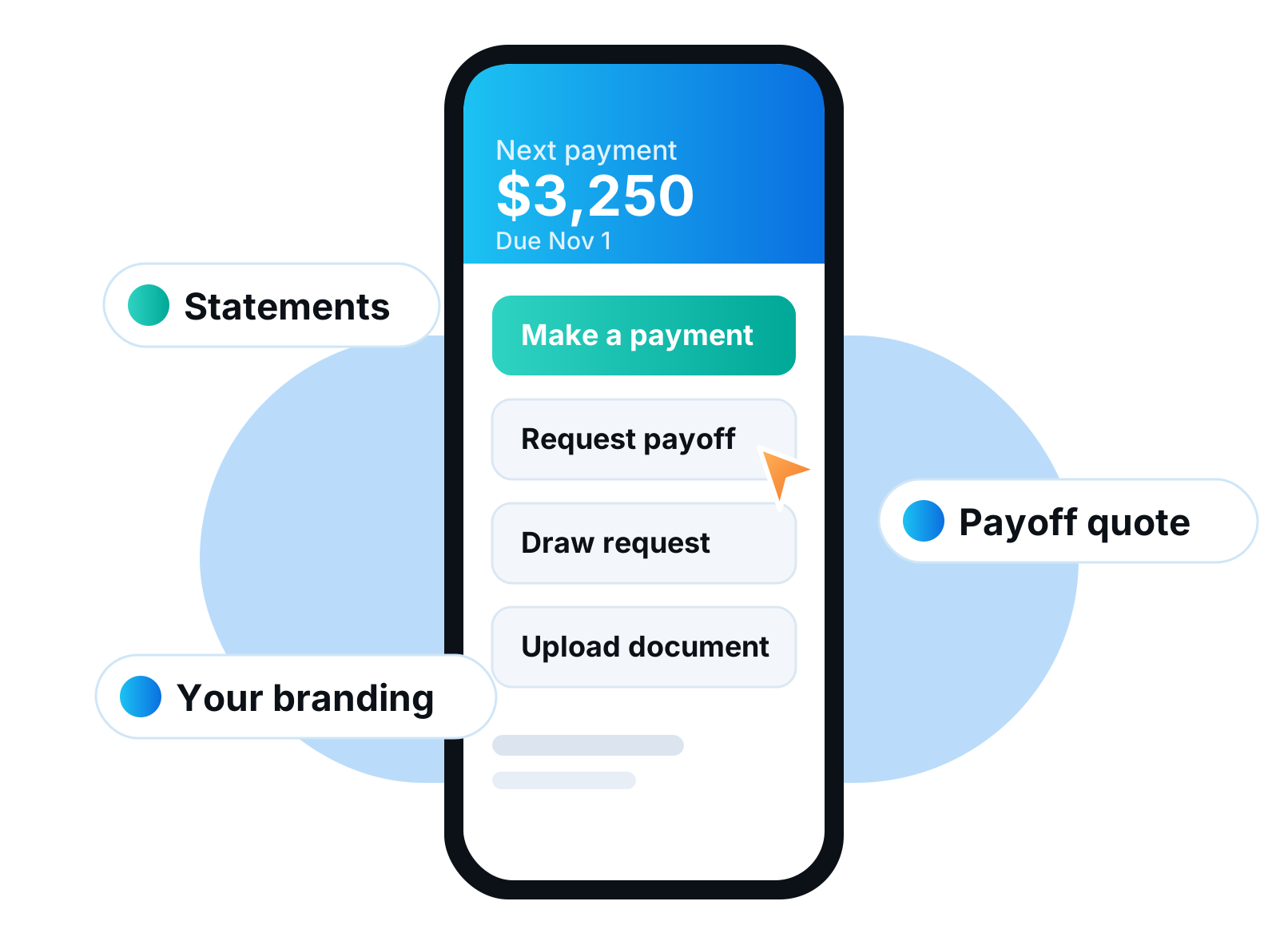
Give borrowers a branded portal for the life of their loan. They can see statements, request payoffs, submit draw requests and set up payments on their own. That means fewer emails and calls for your servicing team.
The portal carries your logo and colors and works on a phone. Borrowers can upload and share documents, set up one-time or recurring payment instructions, and keep their contact details current themselves.
What you get
- Statements and loan details
- Payoff and draw requests
- One-time or recurring payments
- Document upload
- Your logo and colors
 New
NewInvestor Portal
Read More about Investor PortalPortalsCapital & Funds
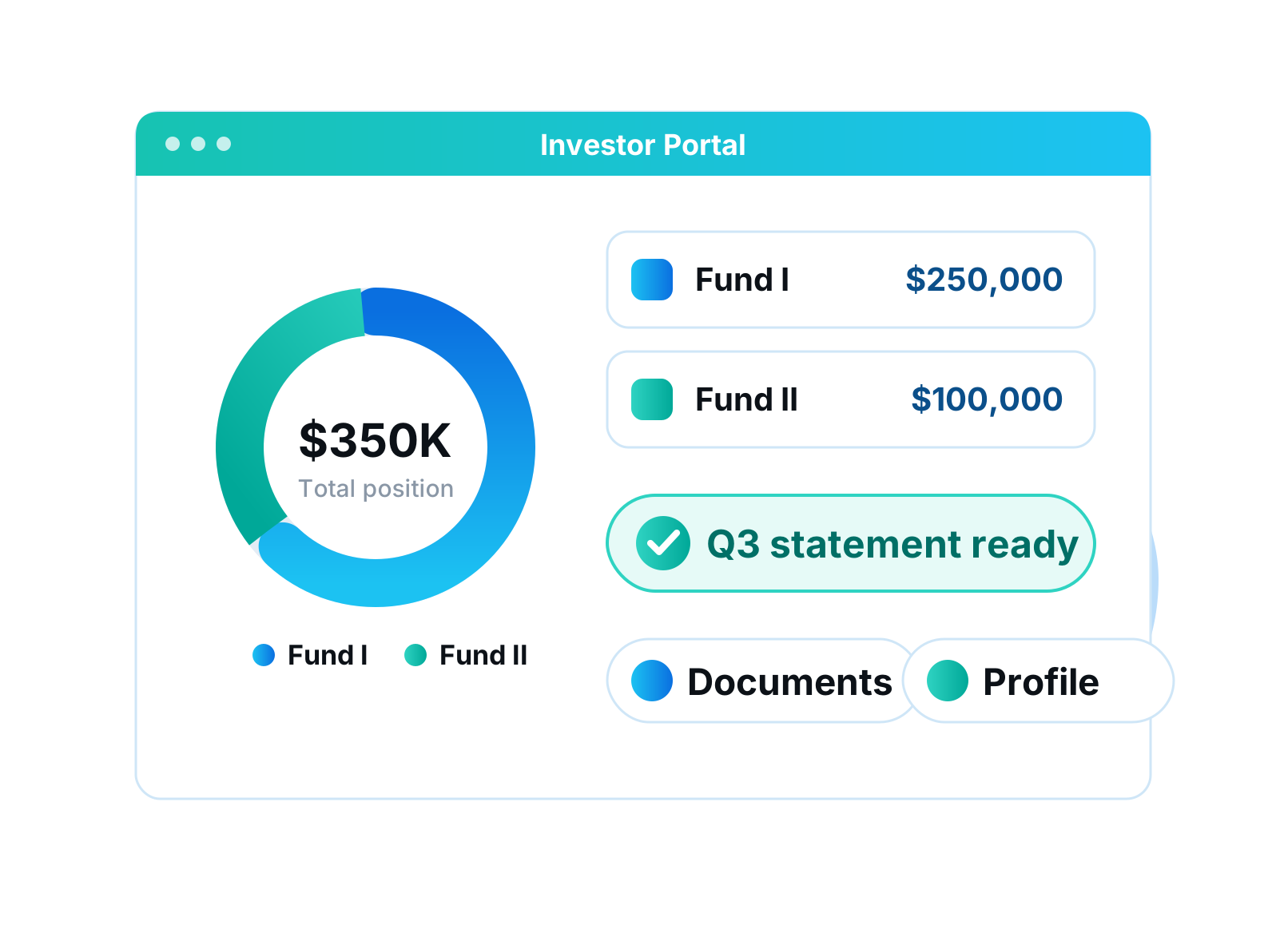
Investors get their own login to see positions, statements and documents. Invite them, or let them register themselves. No more emailing PDFs at quarter end.
Everything investors see comes from Fund Management, so it is always current. Investors keep their own profile details up to date, and you control what each one can see.
What you get
- Separate investor login
- Positions, statements and documents
- Invite or self-registration
- Profile self-service
 New
NewCapital Raising & Offerings
Read More about Capital Raising & OfferingsCapital & Funds
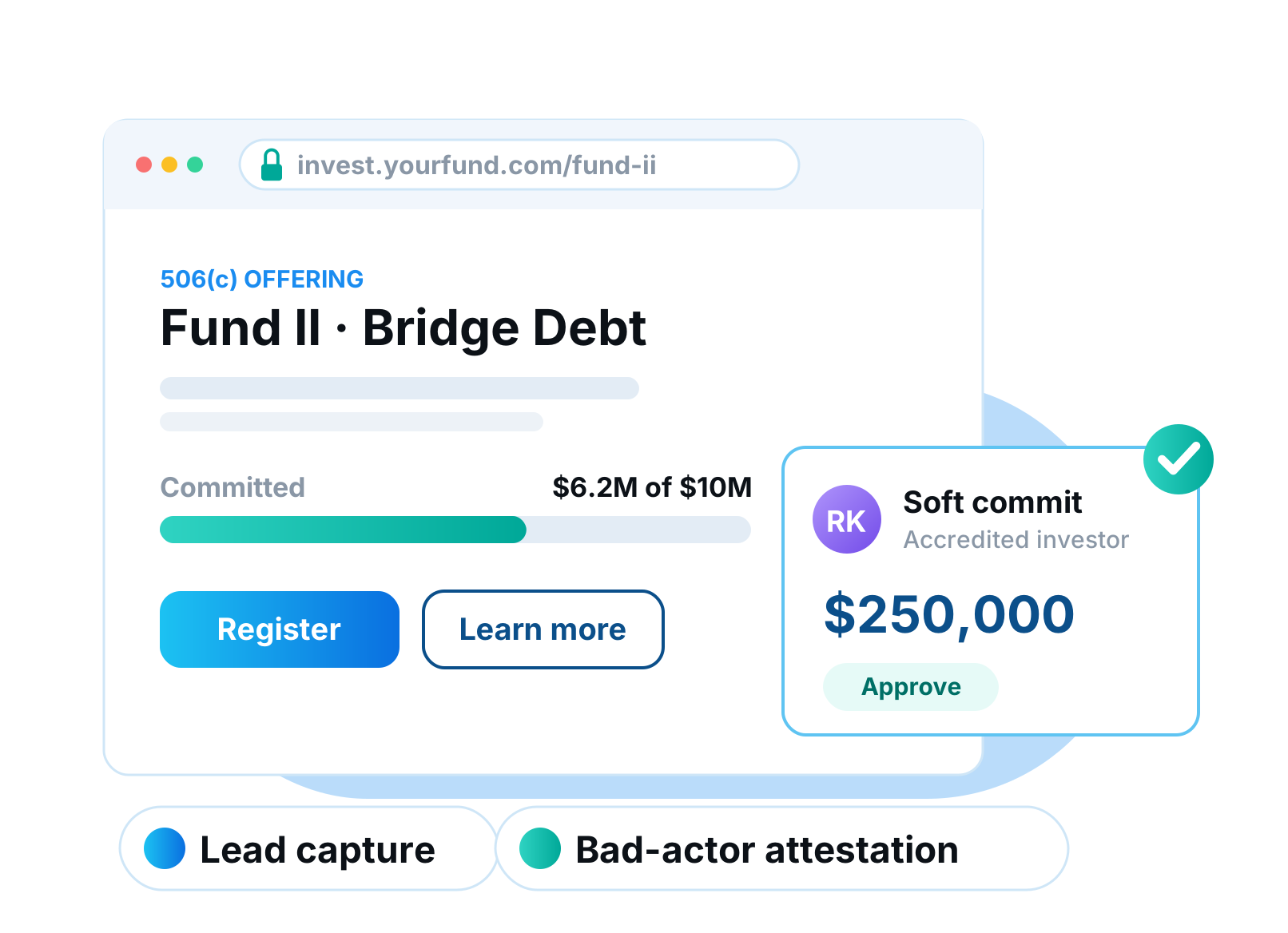
Publish an offering page for any fund and capture investor leads directly. Prospects register, review the offering and soft-commit inside the investor portal. You approve and fund those commitments in one place.
Offerings support Rule 506(b) and 506(c) raises, and a bad-actor attestation is required before any page goes live. Leads, registrations and commitments all stay connected to the fund they belong to.
What you get
- Public offering page per fund
- 506(b) and 506(c) support
- Lead capture and self-registration
- Soft commits you approve and fund
 New
NewSmarter Loan Sizing
Read More about Smarter Loan SizingOrigination
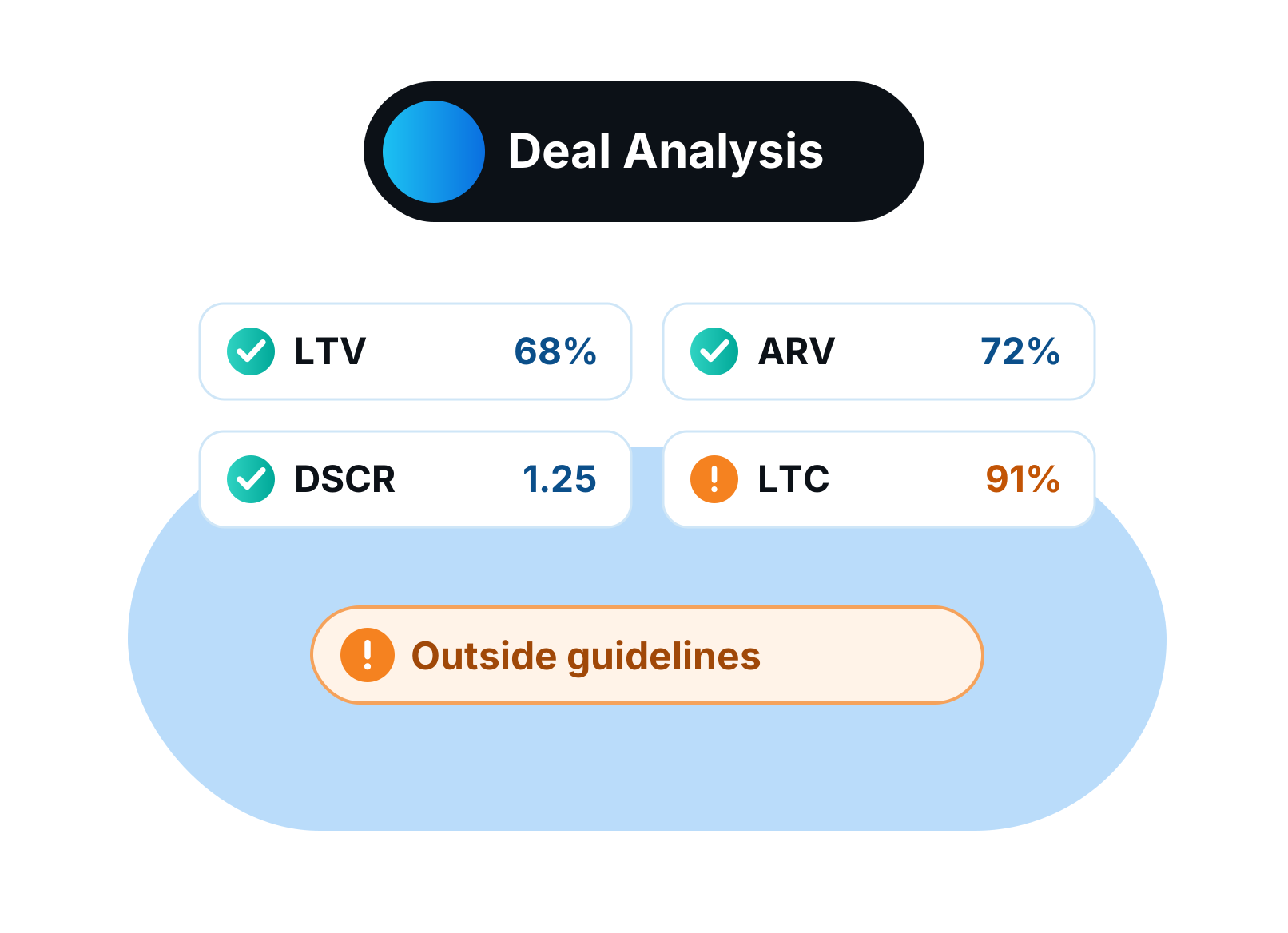
Size loans the way you actually underwrite them. Start from purchase price, as-is value or payoff, and LendingWise works out LTV, LTC, ARV and cash to close. A lesser-of price or as-is value option keeps purchase loans conservative.
Every ratio updates as you change the inputs, so you can test structures live on a call with the borrower. Cash to close is calculated for you instead of rebuilt in a side spreadsheet.
What you get
- Size from price, as-is value or payoff
- LTV, LTC and ARV
- Cash to close
- Lesser-of price or as-is value
 New
NewDocLab by Private Lender Law
Read More about DocLab by Private Lender LawIntegrationsDocuments & eSign
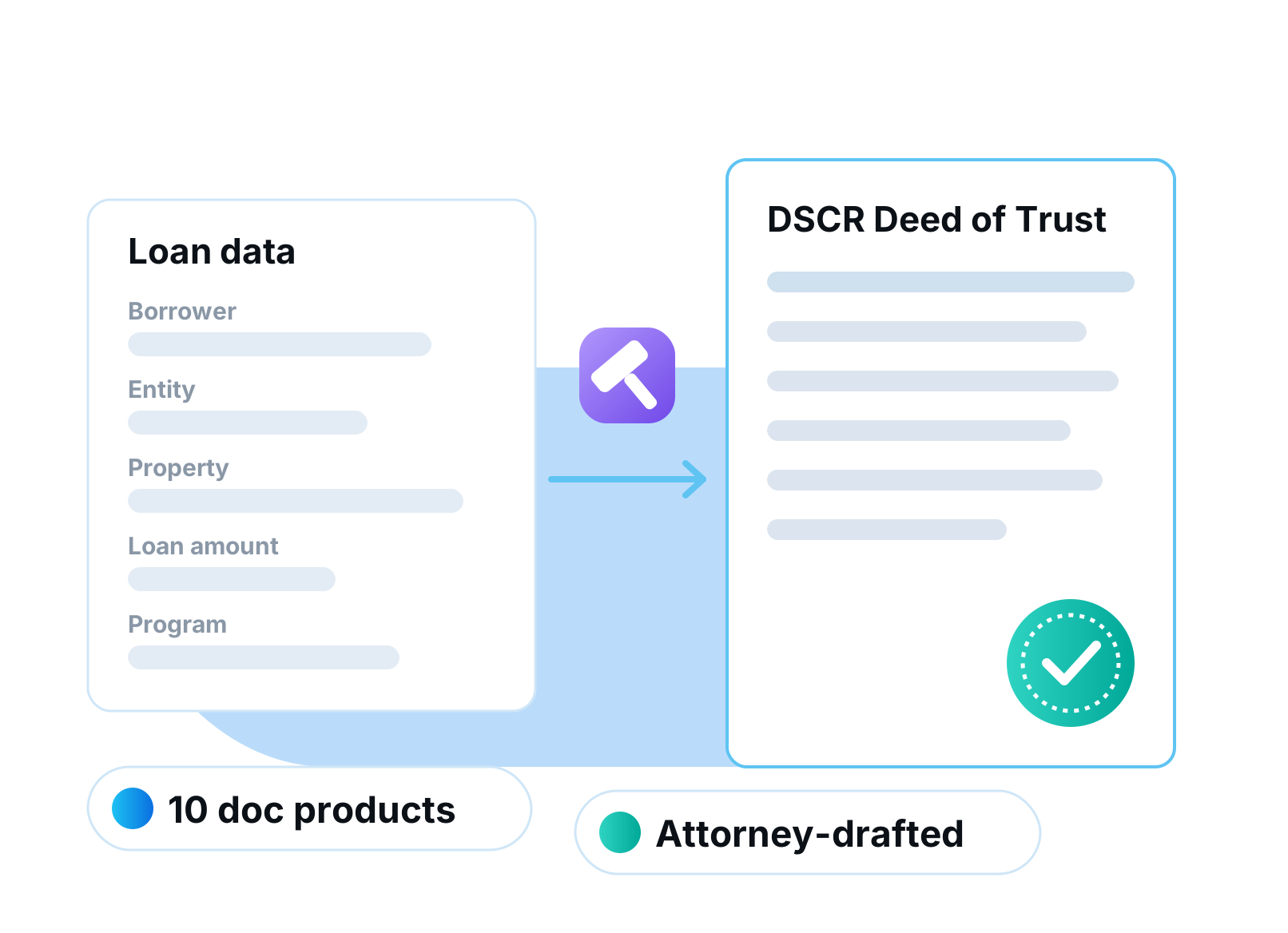
Order attorney-drafted loan documents from Private Lender Law using data already in the file. DocLab now covers 10 document products, including DSCR deeds of trust and mortgages, New York building loans and entity documents. You control which lenders on your account can order.
Each order pulls the borrower, property and loan terms from LendingWise, so the attorney gets an accurate file the first time. Completed documents come back to the loan.
What you get
- 10 document products
- DSCR, construction and entity documents
- Lender-level access control
- Completed documents return to the loan
 New
NewAI Document Review
Read More about AI Document ReviewAIAutomation
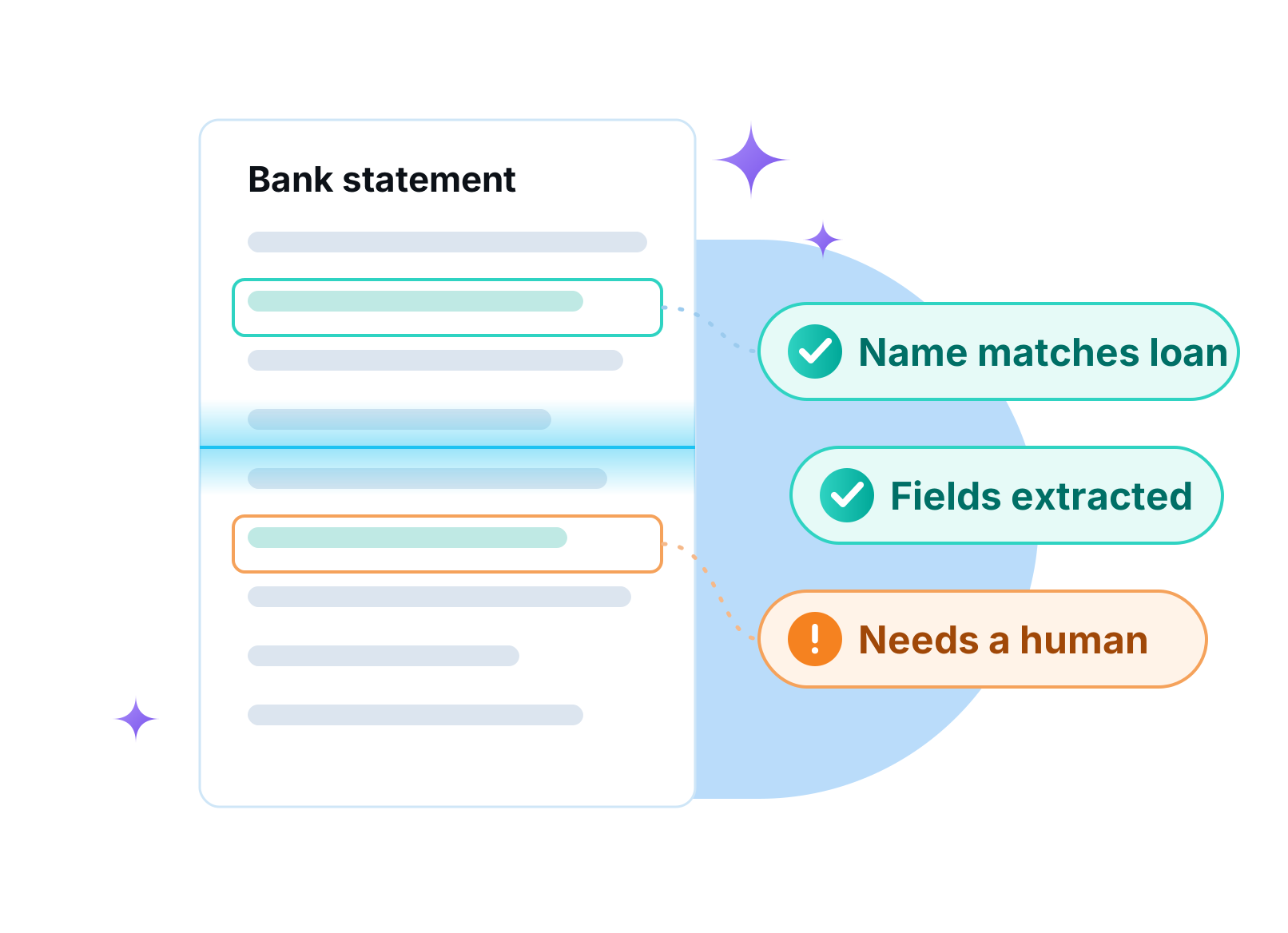
AI reviews uploaded documents against the rules you set before a processor ever opens them. Each document comes back as pass, fail or needs a human, with extracted fields checked against the loan. Your team spends its time on exceptions instead of every page.
You write the rules per document type in plain language, and the right review agent is picked from the document type automatically. A live review view shows exactly what the AI checked and why it reached its verdict.
What you get
- Rules you define per document type
- Pass, fail or needs-a-human verdicts
- Extracted fields checked against loan data
- Live review view for every document
 New
NewStatus Hard Stops
Read More about Status Hard StopsAutomation
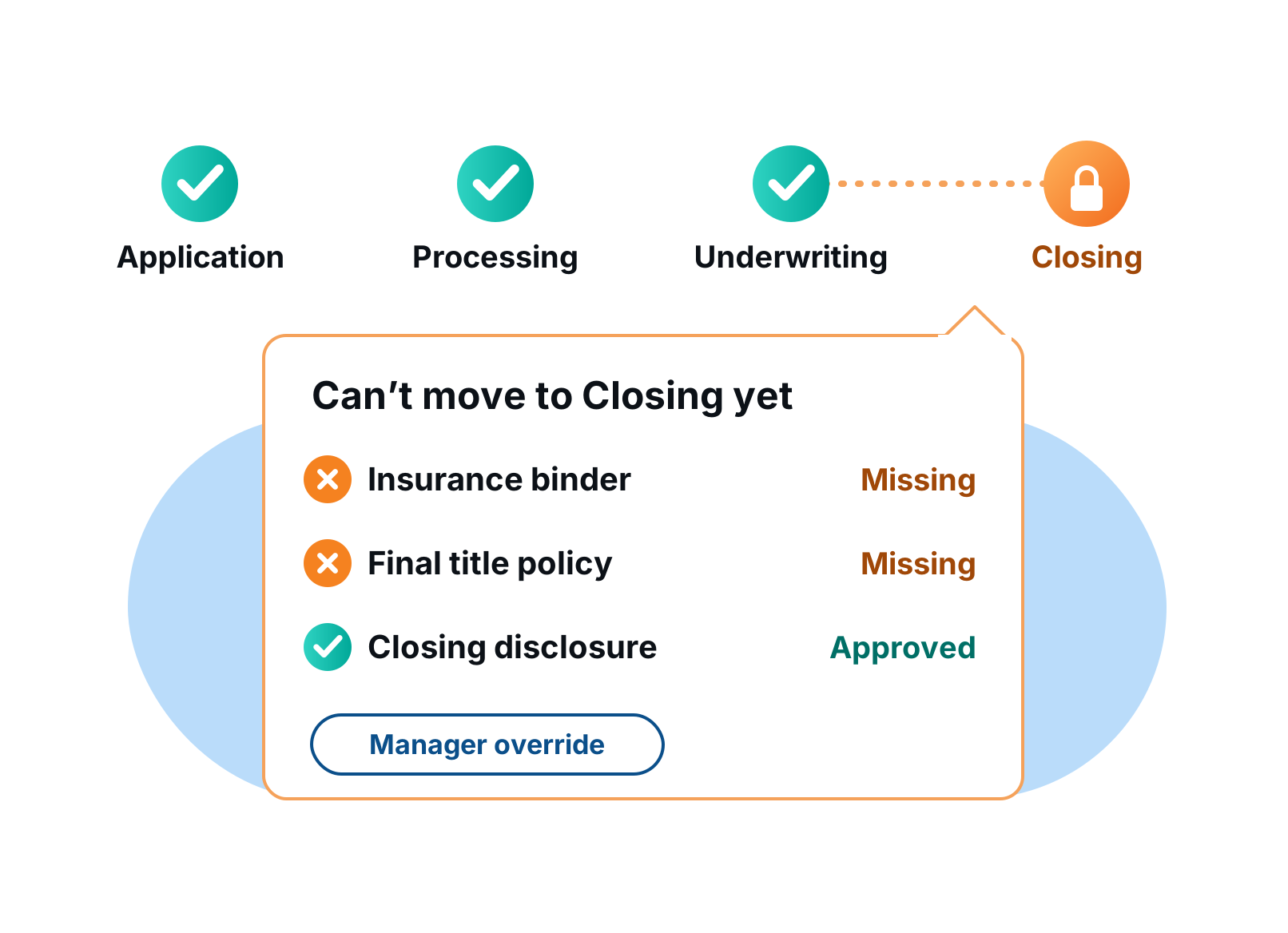
Stop a loan from moving forward until it is actually ready. Require fields, approved documents and workflow steps before a file can enter a status. Managers can override when they need to.
Hard stops turn your credit policy into guardrails. Files reach closing complete, and you stop discovering missing items the day before funding.
What you get
- Required fields per status
- Required approved documents
- Required workflow steps
- Manager override
 New
NewProperty Analytics
Read More about Property AnalyticsOrigination
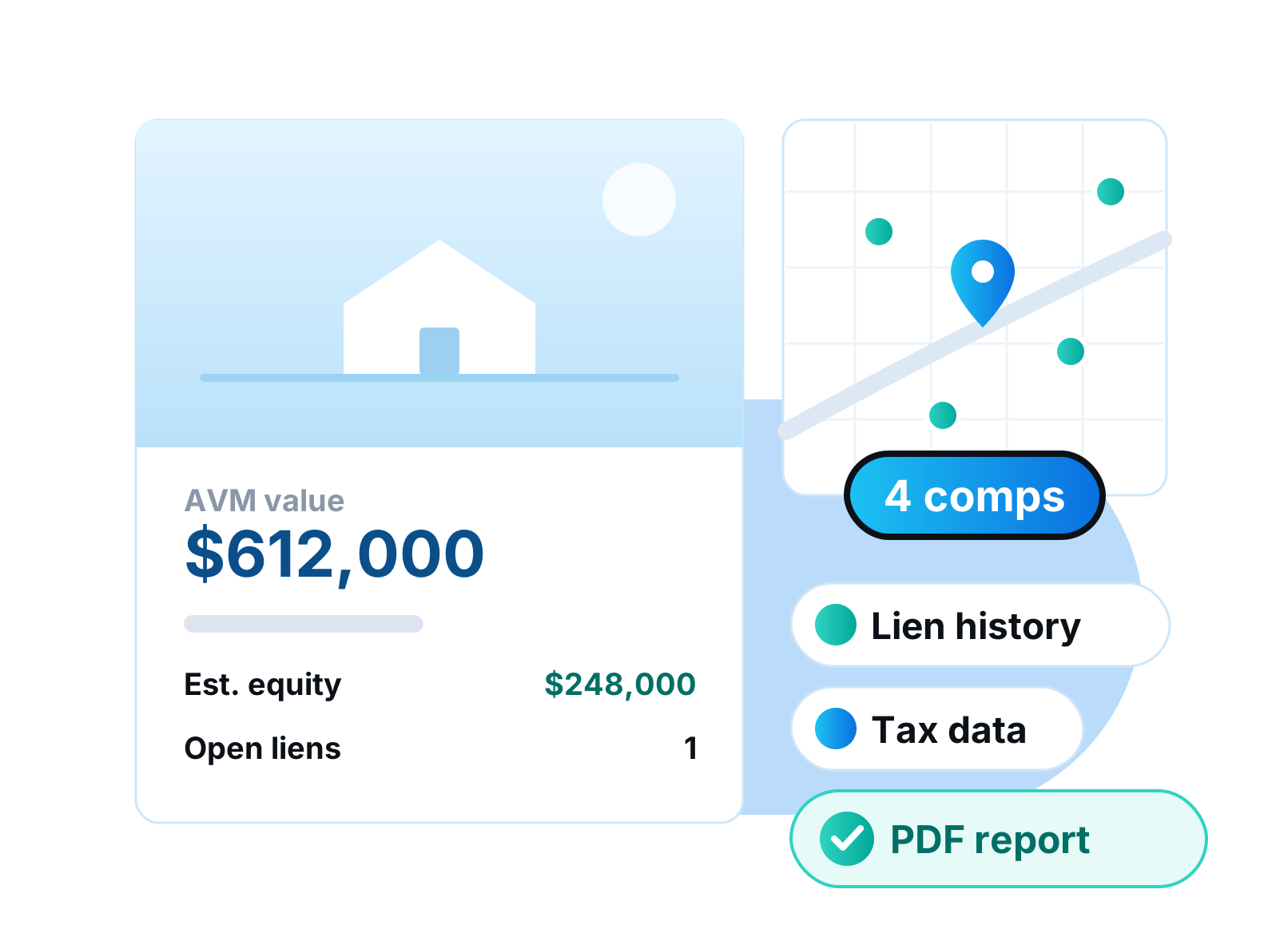
See the property before you price the loan. Estimated value and equity, MLS listing, comps, a lender-grade AVM, tax data and lien history load right inside the loan file. Star the comps you trust and export a PDF property report.
No more tab-hopping between listing sites and county records. Property Analytics pulls it all for the subject property in seconds, so underwriters spend their time on judgment instead of research.
What you get
- Estimated value and equity
- Lender-grade AVM
- MLS listing and comps
- Tax data and lien history
- Starred comps and PDF property report
 New
NewSend to Lender
Read More about Send to LenderOrigination
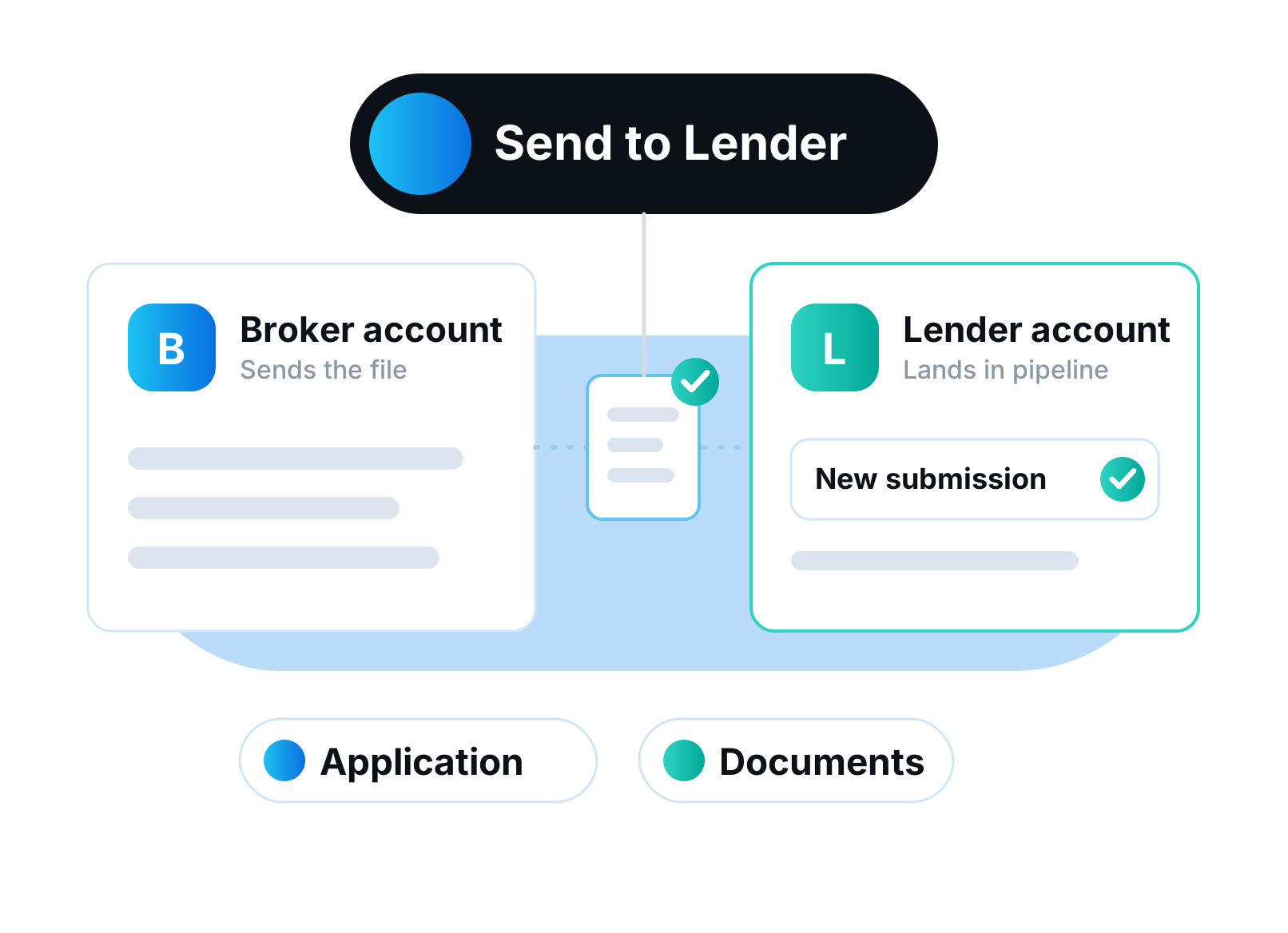
Brokers on LendingWise can submit a loan straight to a lender that also uses LendingWise. The application and documents move across together. No re-keying and no email attachments.
The lender receives a complete file in their own pipeline, ready to review. Brokers spend less time packaging loans and lenders get cleaner submissions.
What you get
- One-click submission between LendingWise accounts
- Application and documents travel together
- Lands in the lender's pipeline
 New
NewQuickBooks Online
Read More about QuickBooks OnlineIntegrations
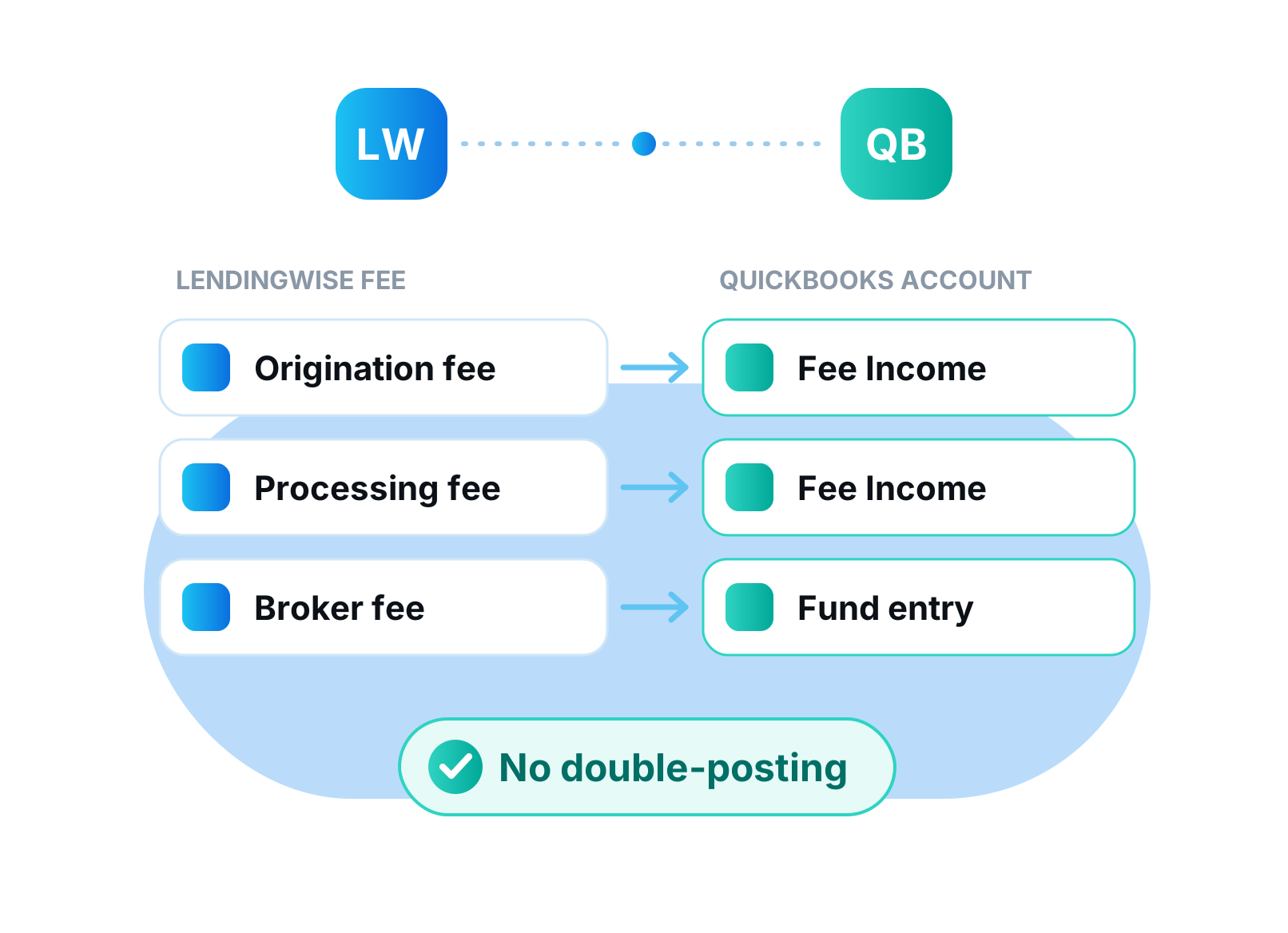
Connect QuickBooks and stop re-entering loan fees by hand. Map each fee to a QuickBooks account and post it as income or a fund entry, manually or automatically on a status change. Every push is logged and can never double-post.
Your books stay in step with your pipeline. Origination fees post the moment a loan funds, and your bookkeeper gets a clean log of what was sent and when.
What you get
- Map fees to QuickBooks accounts
- Post manually or on a status change
- Fee income or fund entries
- Logged, with no double-posting
 New
NewRequired-Doc Conditions
Read More about Required-Doc ConditionsAutomation
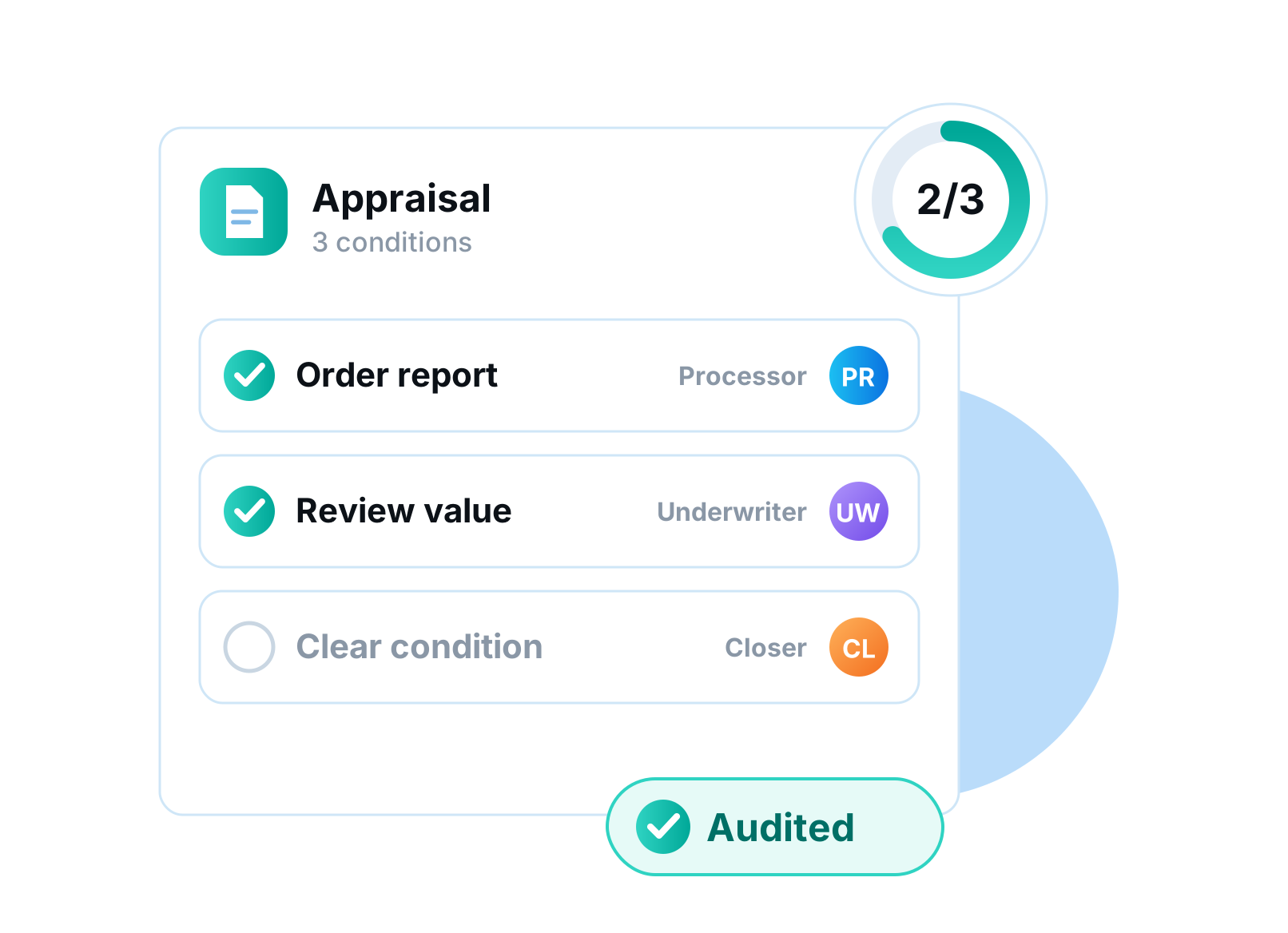
Turn every required document into a checklist of action items. Each condition has an owner and a status, set up once per document type and copied onto every new loan. Every change is audited.
Processors know exactly what is outstanding on each document and who owns it, and underwriters can clear conditions without a side spreadsheet.
What you get
- Conditions per document type
- Owner and status on each item
- Copied to every new loan
- Full audit trail
 New
NewStatus-Based Docs & Workflows
Read More about Status-Based Docs & WorkflowsAutomation
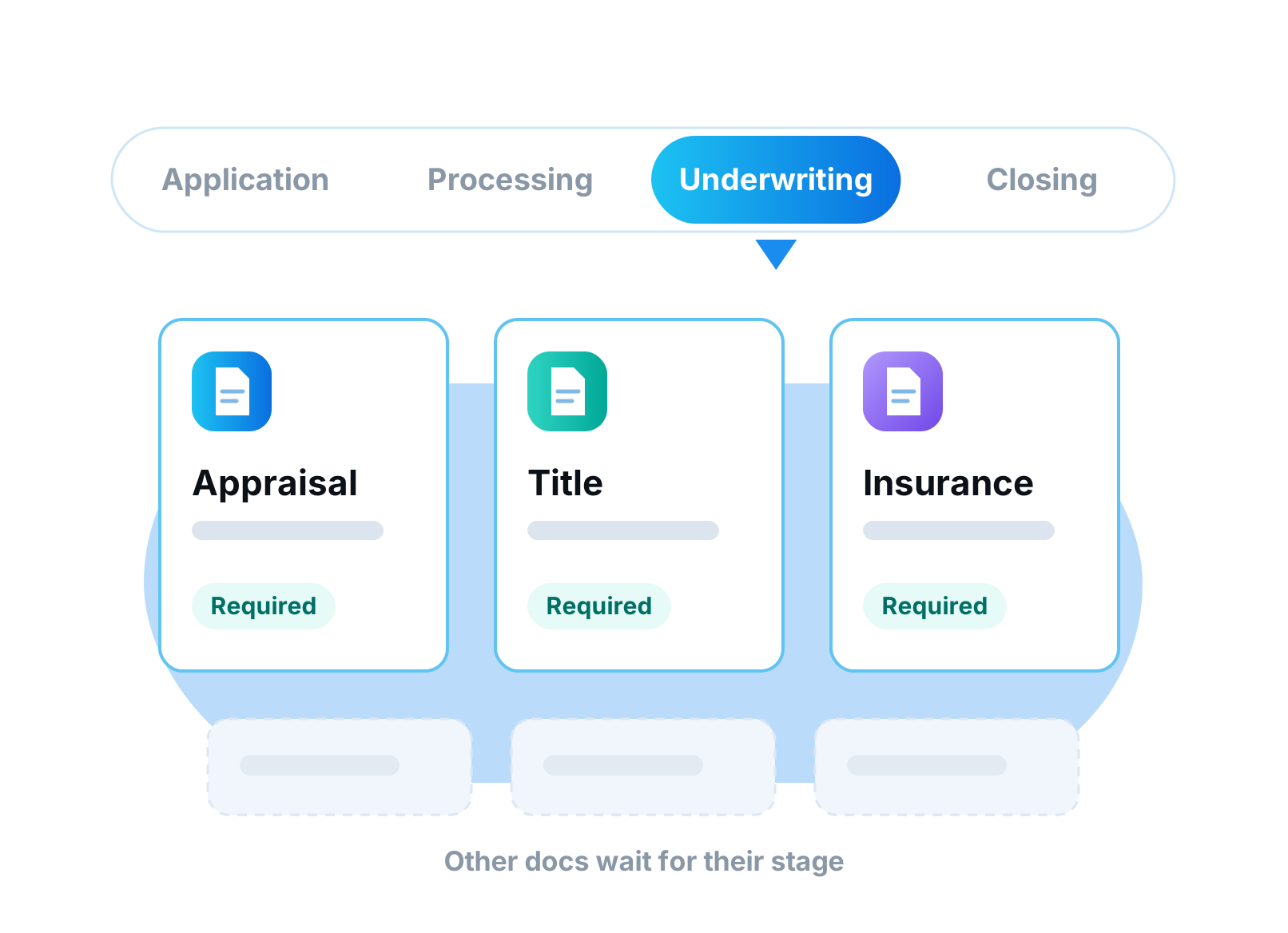
Show required documents and workflow steps only when they matter. Tie them to specific statuses, sub-statuses or branches. Borrowers and processors see a shorter, relevant list at every stage.
No more asking for an appraisal at application or a payoff letter on a purchase. Each file asks for the right thing at the right time.
What you get
- Docs and steps by status or sub-status
- Branch-specific rules
- Shorter, relevant checklists
- New
E-Sign V2
Read More about E-Sign V2Documents & eSign
Send documents for signature straight from the loan file, with no outside e-sign subscription. Merge any loan documents into one packet and drag signature, initial, date and checkbox fields onto the page. Signers open a link and sign, with no login needed.
Every envelope tracks itself. Automatic reminders go out until the packet is signed, links expire when you say so, and each completed packet carries a full audit trail and a Certificate of Completion. Since launch we added signing order, so documents route to each signer in turn, and signing links on your own branded domain.
What you get
- Merge any loan documents into one packet
- Drag-and-drop signature, initial, date and text fields
- No-login signing links
- Signing order and automatic reminders
- Audit trail and Certificate of Completion
 New
NewFlood Certificates by Cotality
Read More about Flood Certificates by CotalityIntegrations
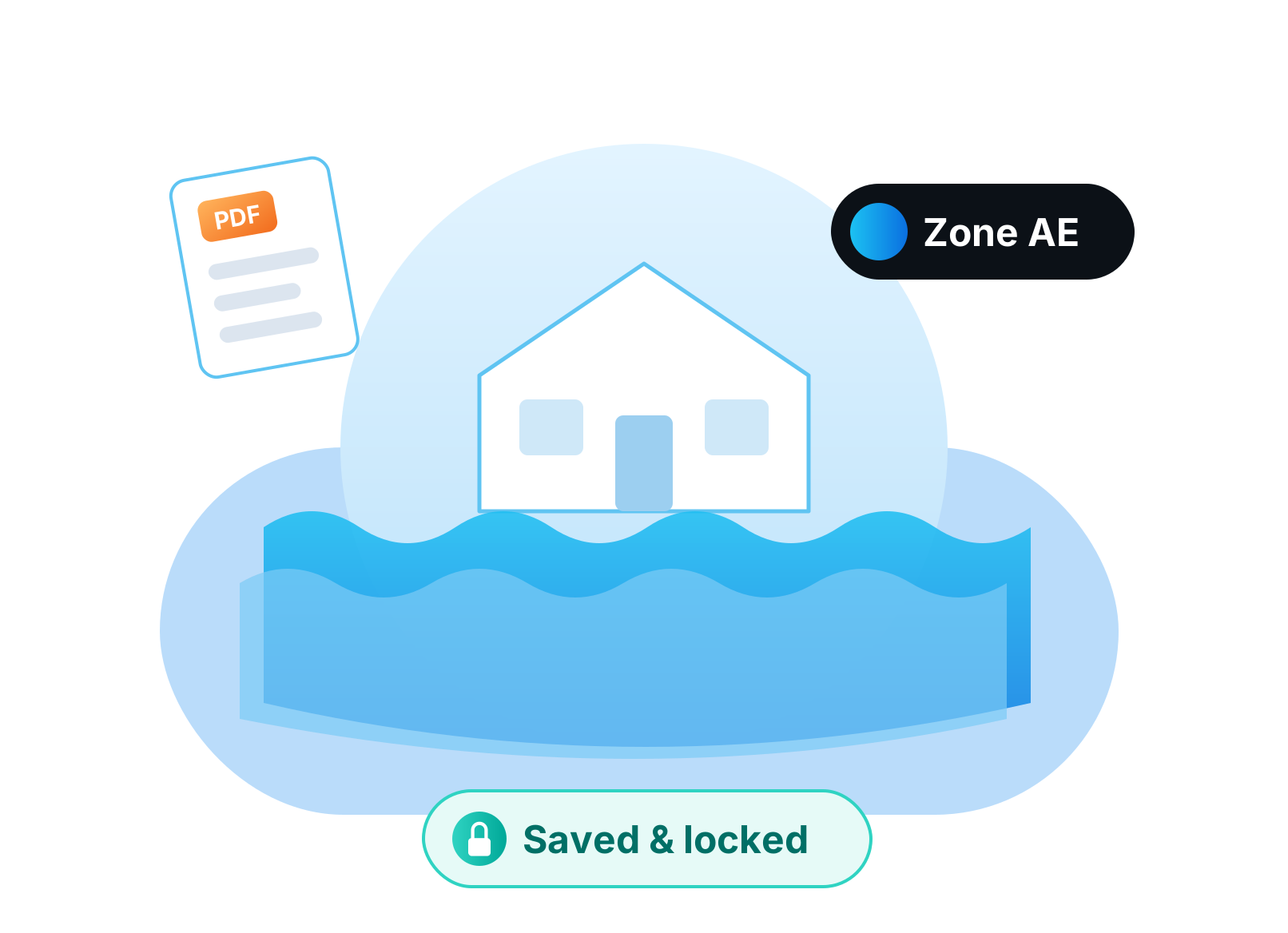
Order flood determinations from Cotality inside the loan file. The result and its PDF write straight to the property. Values are locked so nobody edits them by mistake.
The flood zone sits on the property record where underwriting and insurance already look, with the certificate one click away.
What you get
- Order from the loan file
- Result and PDF saved to the property
- Locked against manual edits
 New
NewLoan Inbox
Read More about Loan InboxProductivity
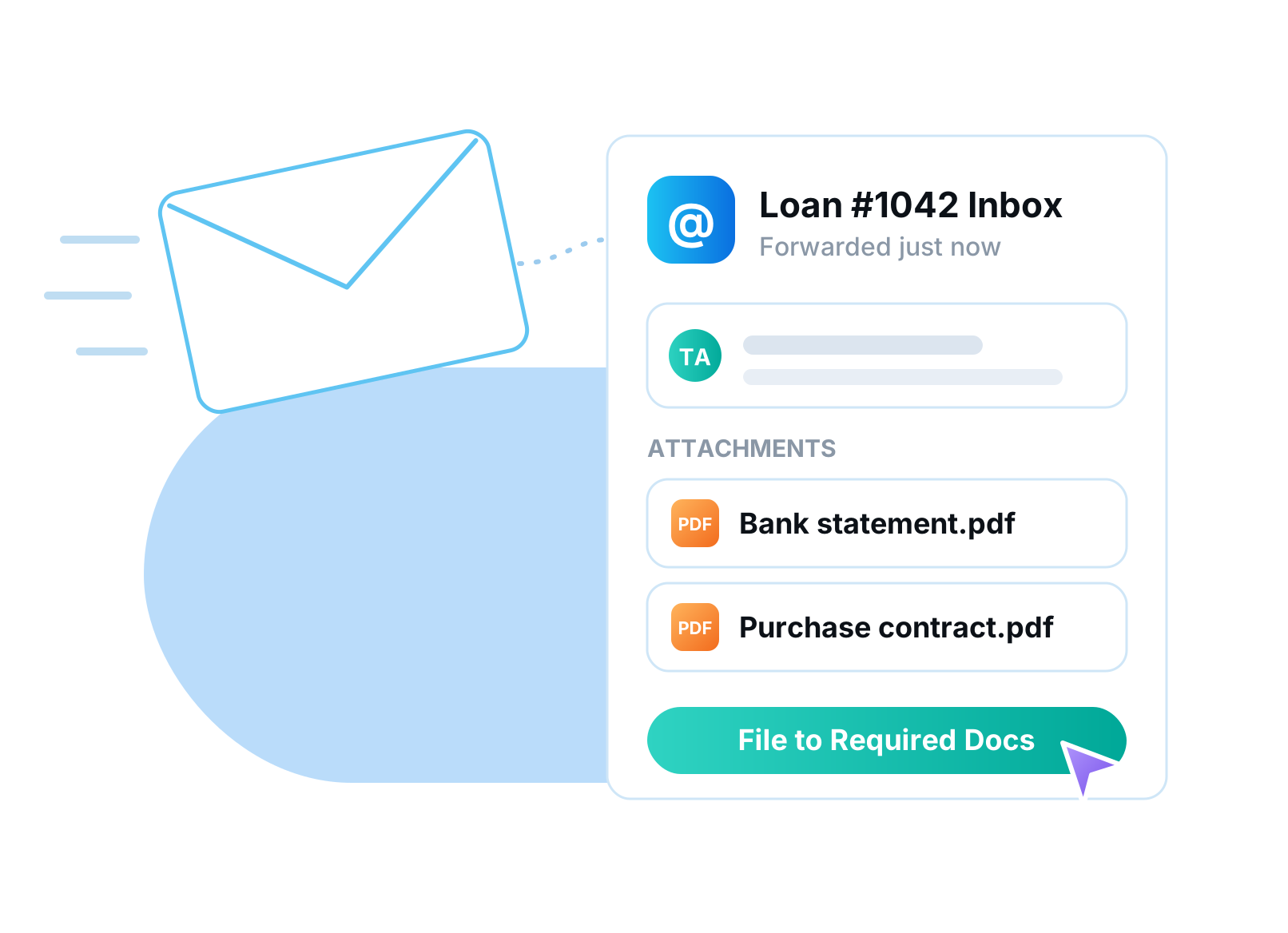
Every loan file gets its own email address. CC it on any thread or forward an email, and the message lands on the loan. File attachments into Required Docs with one click.
The whole team sees the conversation in context instead of hunting through personal inboxes. When someone is out, nothing gets lost.
What you get
- A unique email address per loan
- CC or forward to attach messages
- One-click filing to Required Docs
 New
NewTrinity Inspections
Read More about Trinity InspectionsIntegrationsServicing
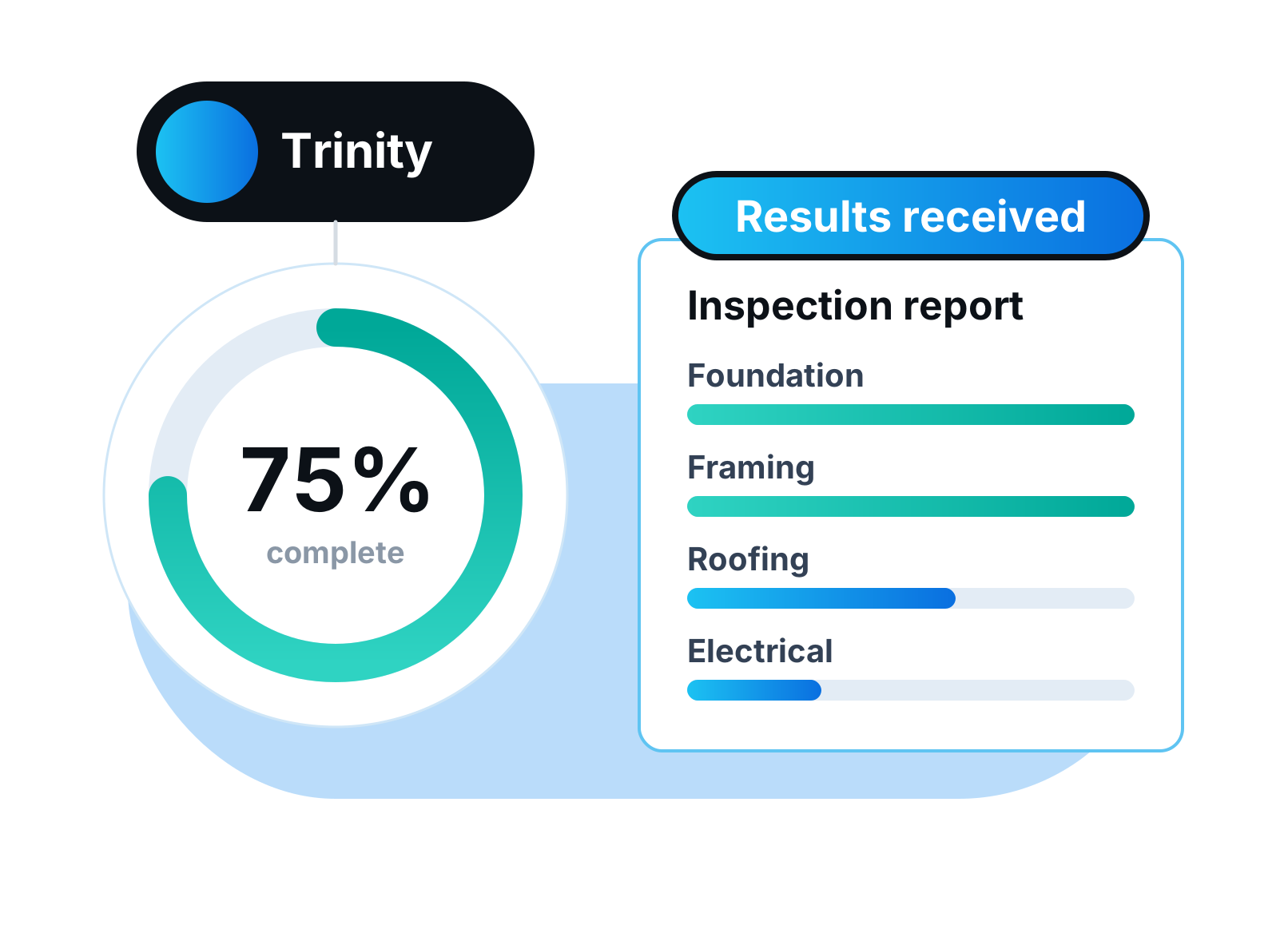
Order draw inspections and feasibility reviews from Trinity without leaving Draw Management. Documents go back and forth inside the loan. Results land on the file automatically the moment the inspection is done.
Pick the inspection or review type, confirm the property and the draw, and the order goes to Trinity with everything they need. Comments and document swaps stay attached to the order, so nobody digs through email to find the latest report.
What you get
- Draw inspections and project reviews
- Feasibility reviews
- Two-way document exchange
- Results posted to the file automatically
 New
NewDraw Management
Read More about Draw ManagementServicing
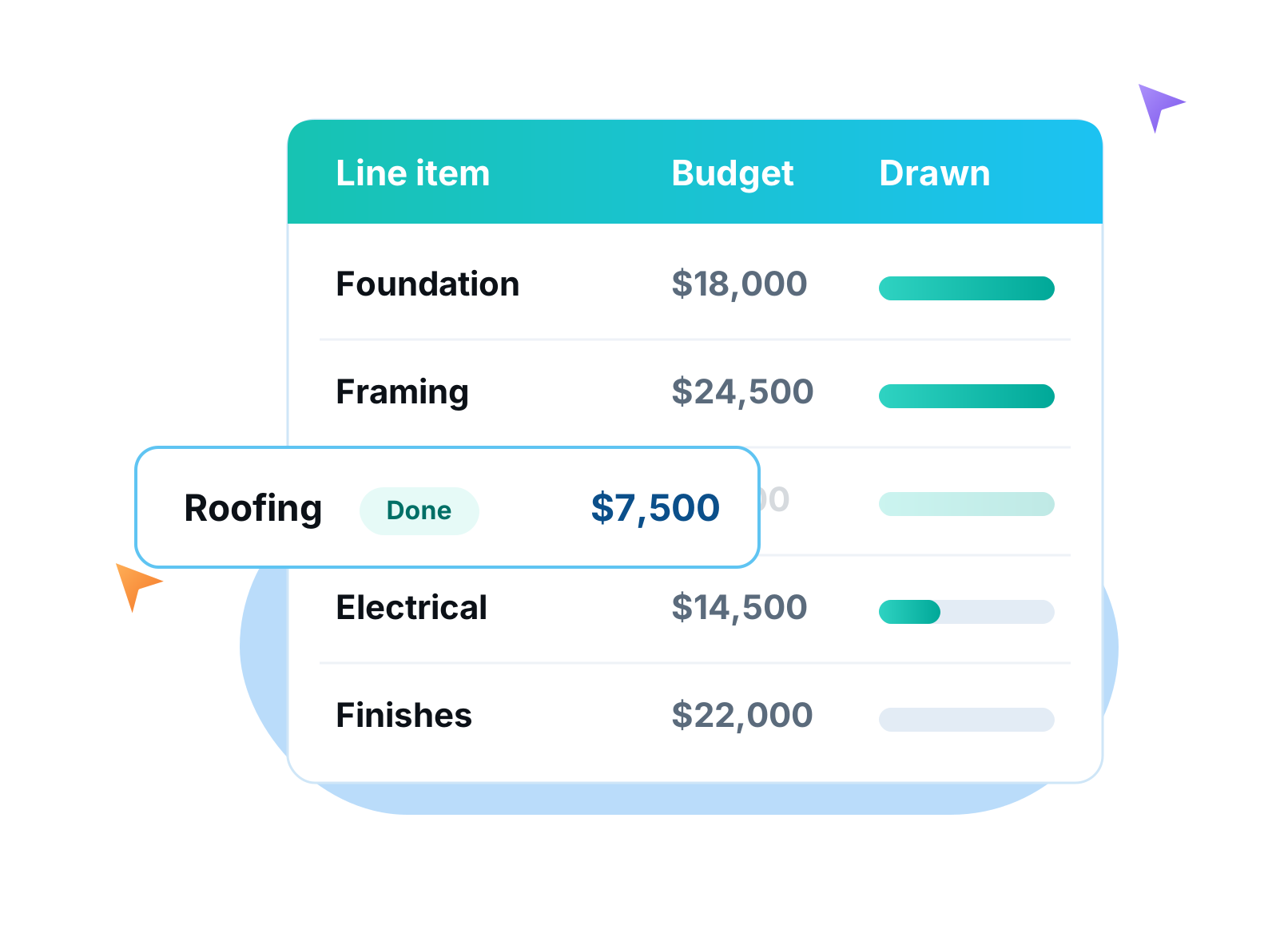
Run construction and rehab budgets from the loan file. Build line-item budgets from scope-of-work templates, take draw requests, order inspections and approve disbursements. New fix-and-flip and ground-up templates get you started in minutes.
Borrowers submit draw requests against the approved budget, and your team sees what has been requested, inspected and funded on every line. Choose simple draws for light rehab or premium draws for full construction tracking. Draws now flow into Servicing 3.0, so every disbursement lands on the loan ledger automatically.
What you get
- Scope-of-work templates and line-item budgets
- Borrower draw requests
- Inspection ordering and tracking
- Disbursement approvals
- Fix-and-flip and ground-up templates
 New
NewLightning Docs
Read More about Lightning DocsIntegrationsDocuments & eSign
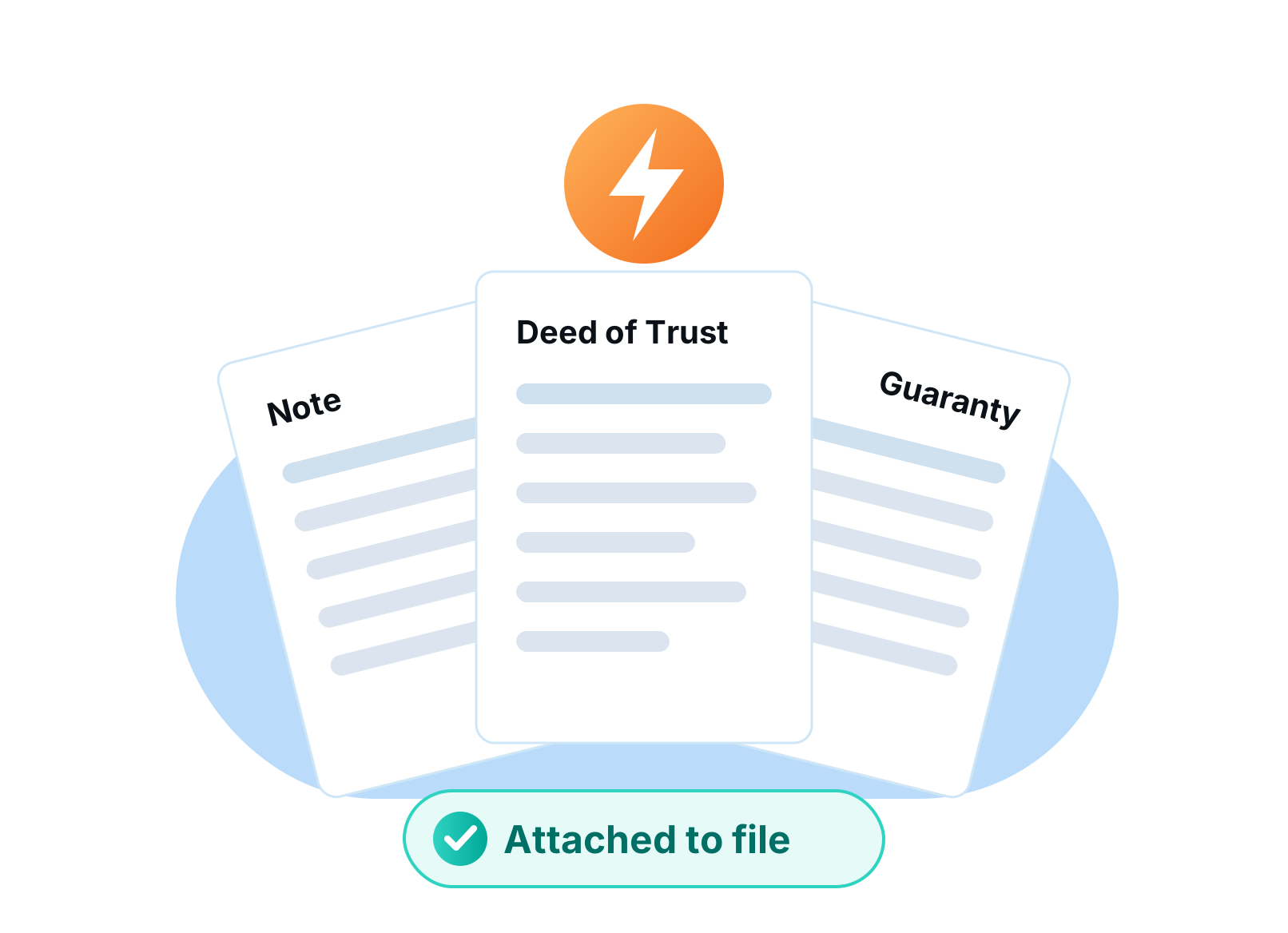
Generate full closing packages from your loan data with Lightning Docs. Notes, deeds of trust, guaranties and more are drafted from the fields you already have. The finished PDFs attach to the loan file automatically.
No re-typing borrower names, addresses and loan terms into a separate system. Order from the loan, and the package comes back filed where your team expects it.
What you get
- Full closing packages
- Drafted from loan data
- PDFs attached to the file automatically
No features match those filters
Try another category or a broader search.
Sign up now & get started in minutes!
Let us show you how our end-to-end system can transform your lending operations:
Book a Demo